At a busy office garage or supermarket, give drivers a way to check and pay for parking before they get back into the car. Put official QR signs on the pedestrian route back to the garage, offer a shared pay station for people who need it, and keep a way to help drivers at the exit. Drivers who have already settled their fee can then leave without starting a payment while the next car waits.
After payment, allow enough time to walk back, load the vehicle, drive out and wait in the normal exit queue. Treat 15, 20 and 30 minutes as settings to try against a measured trip. The right choice depends on where payment happens and how long the slowest common routes take at peak times.
Where should drivers pay?
The payment method and the payment location are two decisions. A phone can be used in an office lobby or at an exit. A card can be used at a walk-up machine or at a terminal beside the barrier. Moving payment off the vehicle lane is what gives the next driver room to move while someone else looks up their plate, checks a discount or finishes paying.
| Option | What the driver does | Where it fits | Where a wait can form |
|---|---|---|---|
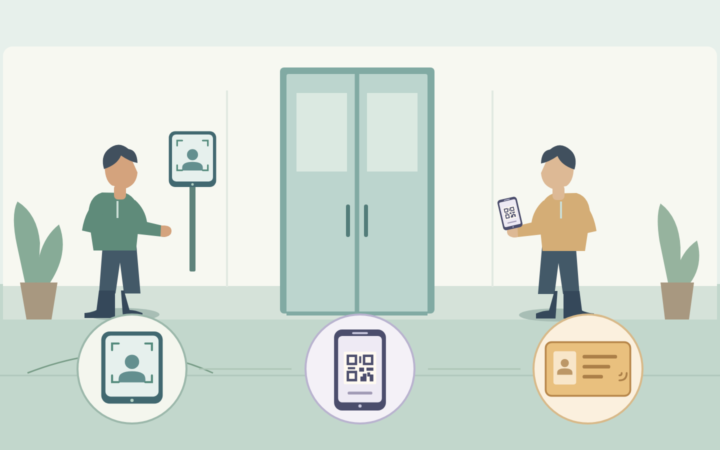
| Phone before returning to the car | Scan an official QR sign, find the stay by plate and pay if a fee is due. | Multiple lifts or pedestrian routes and busy departure periods. | On the phone if reception is weak or the driver needs help finding the stay. |
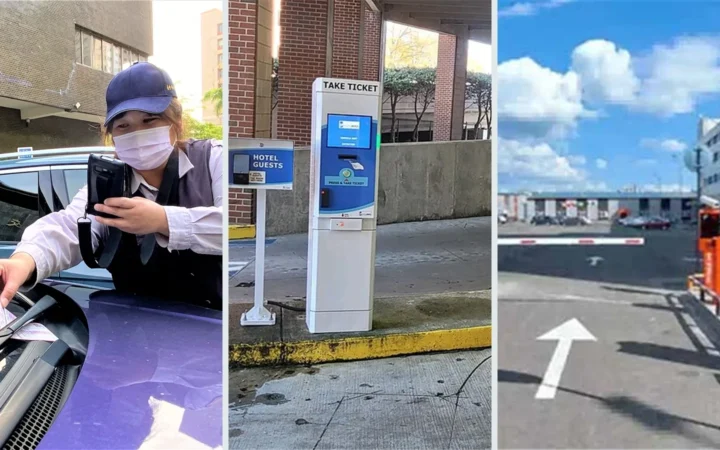
| Walk-up pay station | Enter the plate or present a ticket, check the amount and use an accepted payment method. | Visitors without a suitable phone, data connection or supported payment app. | At the machine. Leave standing space clear of lift doors and vehicle traffic. |
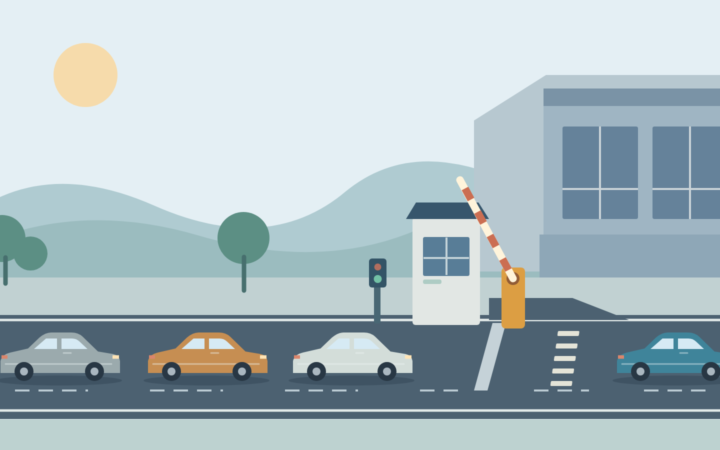
| Payment at the vehicle exit | Pay at a lane terminal or with an attendant, then drive out when released. | Short, quiet departures or a backup lane with space for waiting vehicles. | In the vehicle lane if a transaction, discount or help request takes time. |
Put QR signs where drivers can stop before they reach their cars
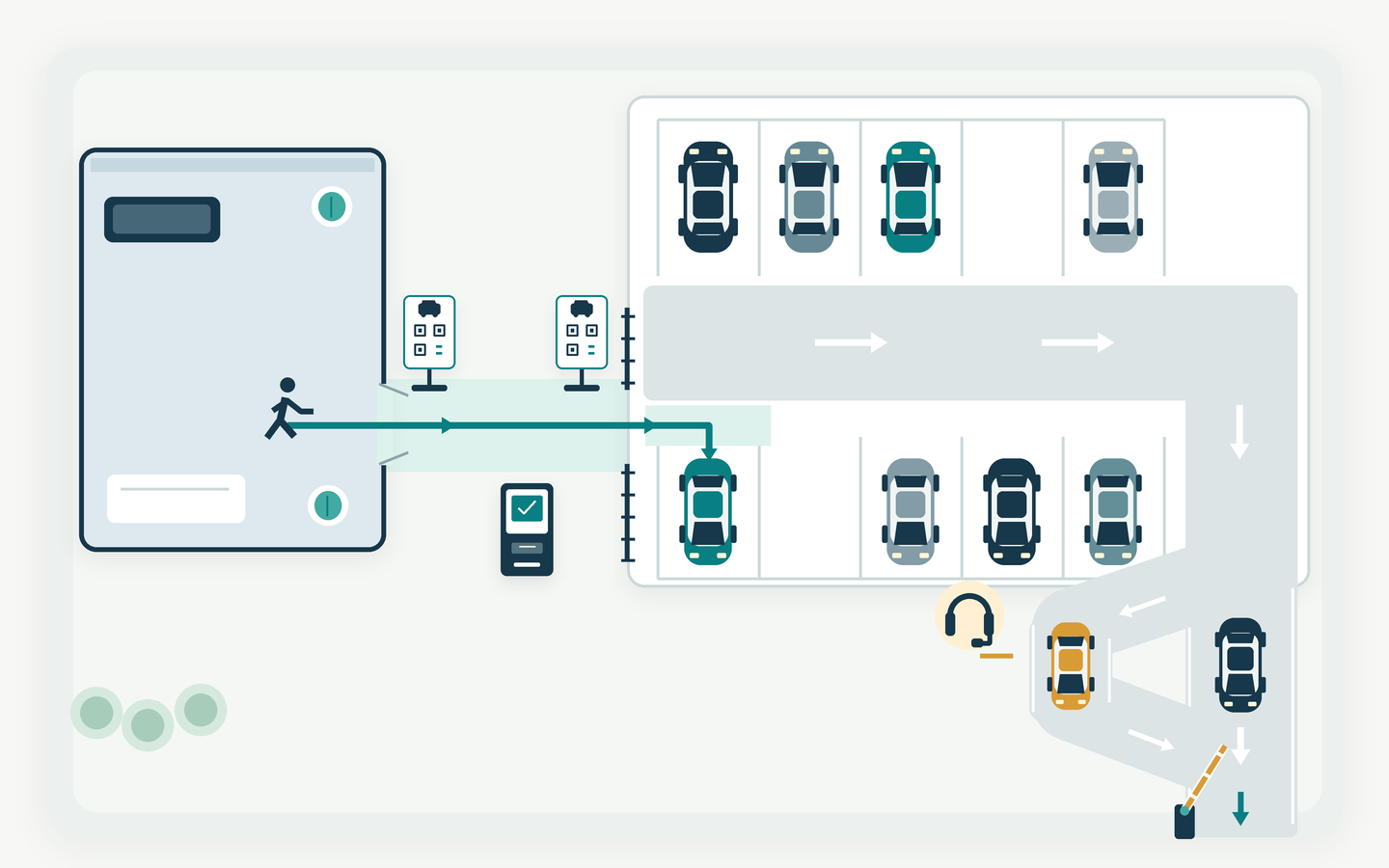
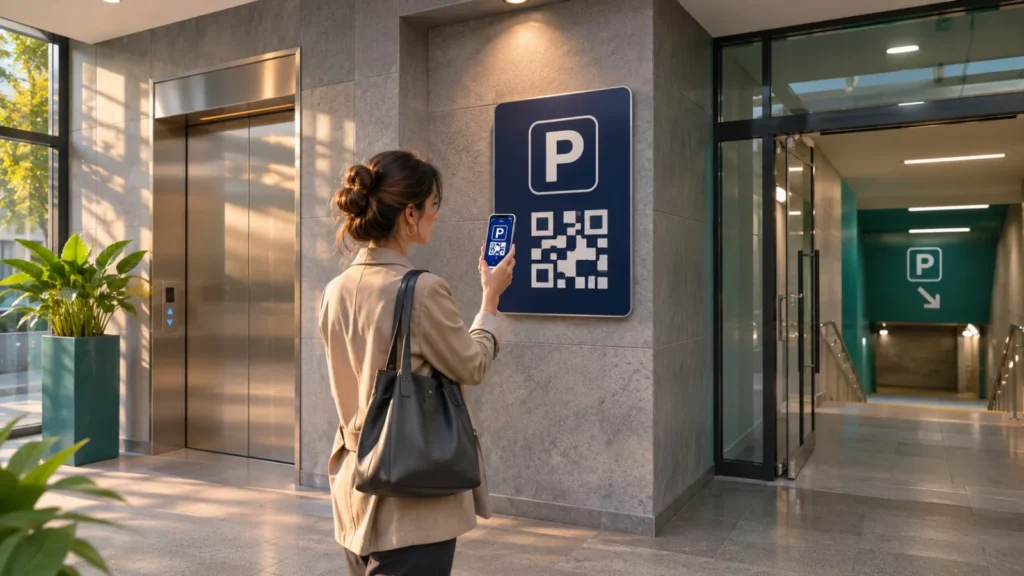
In an office building, put the main sign near the ground-floor lift lobby or reception, where employees and visitors begin walking back to the garage. Add a sign at a garage lift or stair landing if drivers can return that way without passing the main lobby. In a supermarket, put the main sign just beyond the checkouts or near the customer exit, with space for shoppers and trolleys to move past. If the store validates parking, show the order clearly so people can claim the discount before completing payment.
At a hospital, place a sign beside the public entrance or parking-side lift where patients and carers already pause. Keep a walk-up machine or staffed option on an accessible route. At any site, check phone reception where someone will actually stand. Keep the same instructions at the QR sign, pay station and help point so drivers get a consistent answer. Put the official web address and alternative payment point on the sign, inspect the QR panels for replacement stickers, and route any driver who reaches the exit without paying to a marked help point or assisted lane where the site has room.
Sumburgh Airport is one example of combining the channels. The operator lists QR signs in the terminal and at the exit barrier, a machine inside the terminal, and card payment at the vehicle exit. The operator allows 20 minutes to exit after paying. Sumburgh Airport’s parking FAQ.
What the driver should see after scanning
- Find the correct stay. Show the car park name before asking for the full vehicle registration. Display the entry time and how long the vehicle has been parked so the driver can check the match. If no stay is found, prompt them to check the plate and offer help with an unread plate or ticketed entry.
- Show the fee or a clear zero balance. Tell drivers how much is due after any recorded discount. If the stay is free at the time of lookup, say whether the driver can leave now, needs to confirm a free exit, or must leave before a displayed free-period deadline. Someone checking the fee early may still owe a charge later.
- Confirm payment and the time to leave. Once payment is accepted for that stay, display the receipt or reference, the exit deadline and where to get help. If payment is pending, show that status and let the driver check it before requesting another transaction.
How to set 15, 20 or 30 minutes after payment
The exit grace period is the time allowed between successful payment and the point defined by the operator as departure, often the exit check. It is a separate setting from any free time at the start of a visit. Confirm with the supplier whether the deadline is checked when the plate is read at the exit or when the vehicle is recorded as having passed. Put the resulting rule on the payment screen, at the machine and on the receipt where supported.
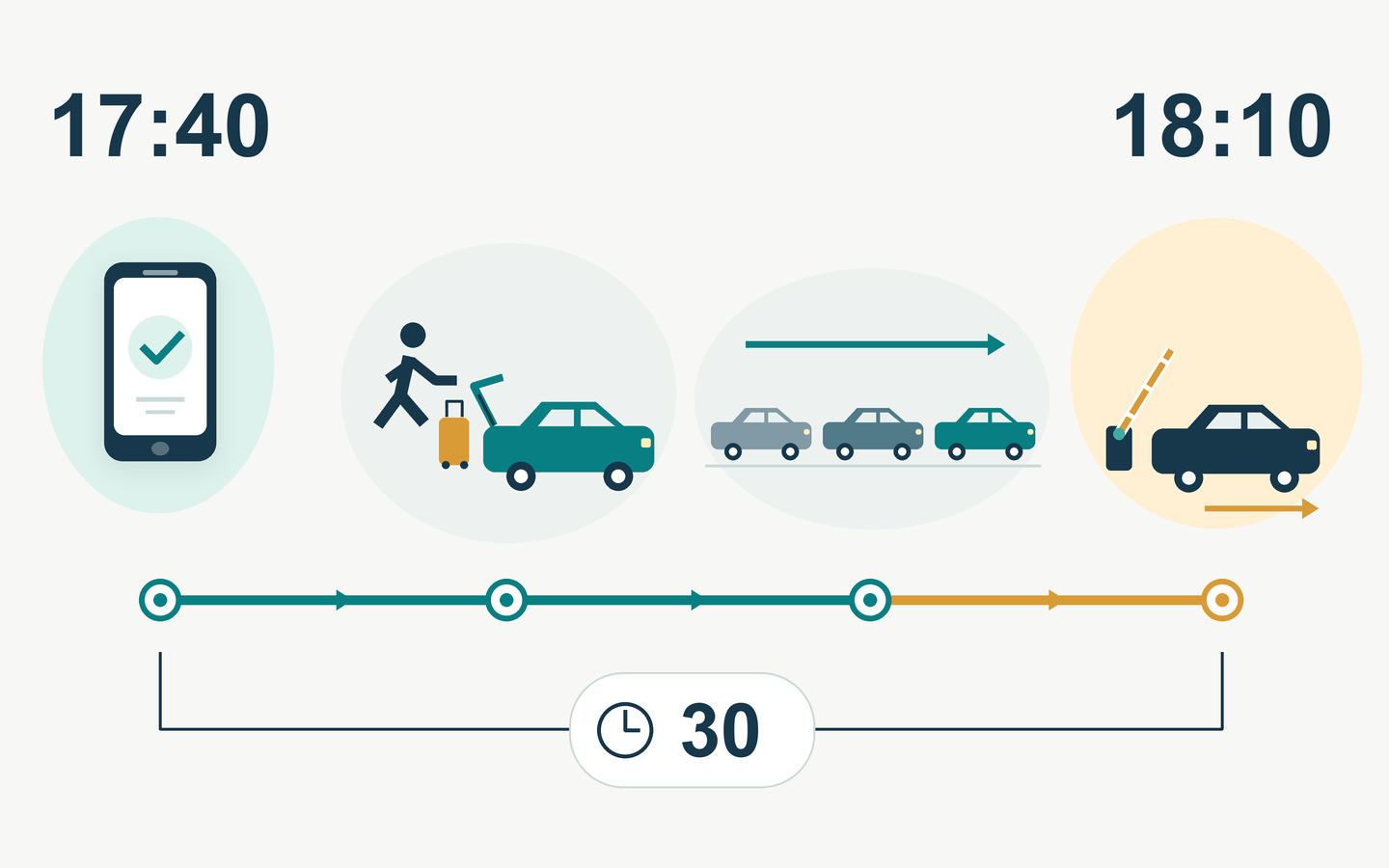
Time complete journeys from payment confirmation to the exit check. Start at each main payment point and repeat during the busiest departure period. Include the walk, lift or stair wait, finding and loading the car, ramp travel and the normal queue. Try distant bays and routes used by people who need more time. Use the longest repeatable journeys to set a practical allowance. If an exceptional congestion event keeps people in the garage, give staff a documented way to help and record what happened.
| Example site | Complete trip measured in the trial | Setting to try |
|---|---|---|
| Compact garage with pay station at the lift | 12 minutes at the busy time, including the exit queue. | 15 minutes leaves 3 minutes of margin. |
| Office garage during the evening rush | 17 minutes from the lobby, including a lift wait and the ramp. | 20 minutes leaves 3 minutes of margin. |
| Supermarket with distant bays and trolley loading | 25 minutes from the customer exit to the barrier. | 30 minutes leaves 5 minutes of margin. |
Other operators publish different windows. Cambridge Memorial Hospital allows 15 minutes after paying at the machine. Chubu Centrair International Airport allows 30 minutes after payment and says an extra charge may apply after that. The travel times above are illustrative. Measure your own routes before adopting a setting.
Suppose a shopper completes payment at 17:40 with a 30-minute window. The confirmation would show an exit deadline of 18:10. If the same shopper usually pays before completing their shopping, a sign at the customer exit can help them wait until they are ready to leave. Check the actual site rule for what happens after the deadline and tell drivers whether the system asks for an additional amount or directs them to assistance. Make the original payment easy for staff to find.
Keep the normal exit moving when a driver needs help
- No suitable phone or payment app. Give drivers a pay station or staffed alternative they can reach on foot. Show which cards or other methods it accepts before they join the queue.
- Store discount missing. Make validation available at the store or help point before payment. If a visitor has already paid, have staff check the receipt and apply the site’s approved correction process.
- Paid, but the barrier stays down. Use the help point to check the original payment and parking record. Check whether the exit read matches the paid stay and whether the deadline has passed. Avoid asking the driver to pay the original amount again before that check. See what to check when a paid vehicle cannot exit.
- The normal exit queue threatens the remaining time. Give staff a pre-agreed way to deal with verified delays and tell drivers where to get help. Where the layout allows, move longer transactions to a pull-off bay or assisted lane so the next paid vehicle can leave.
Before changing all lanes, trial payment in the pedestrian area during a known peak period. Count how many vehicles arrive at the barrier already paid or cleared for free exit. Record how long each exit transaction takes, how long paying customers take to reach the exit, and why calls for help occur. For a supermarket, check whether a sign after the tills lets shoppers claim validation and load their cars without being rushed. For a multi-storey office, check routes from each lift and the shared ramp during the evening peak. A small site with low traffic can keep lane payment if the waiting area safely covers its busiest period and the operator has time to help. Use the same completed-passage measure when comparing queues.
When discussing hardware and software, share the layout, accepted payment methods, validation rules, measured exit times and the intended fallback. Ask which party provides the QR page, which party confirms the payment, and how both the pay station and exit lane read the same parking record. Confirm specific regional card and wallet support with the payment provider. Explore SHUNJIE ticketing and payment equipment.
Featured image: Illustration of a pedestrian payment point. Drivers can check the parking fee while they are still outside the vehicle lane.