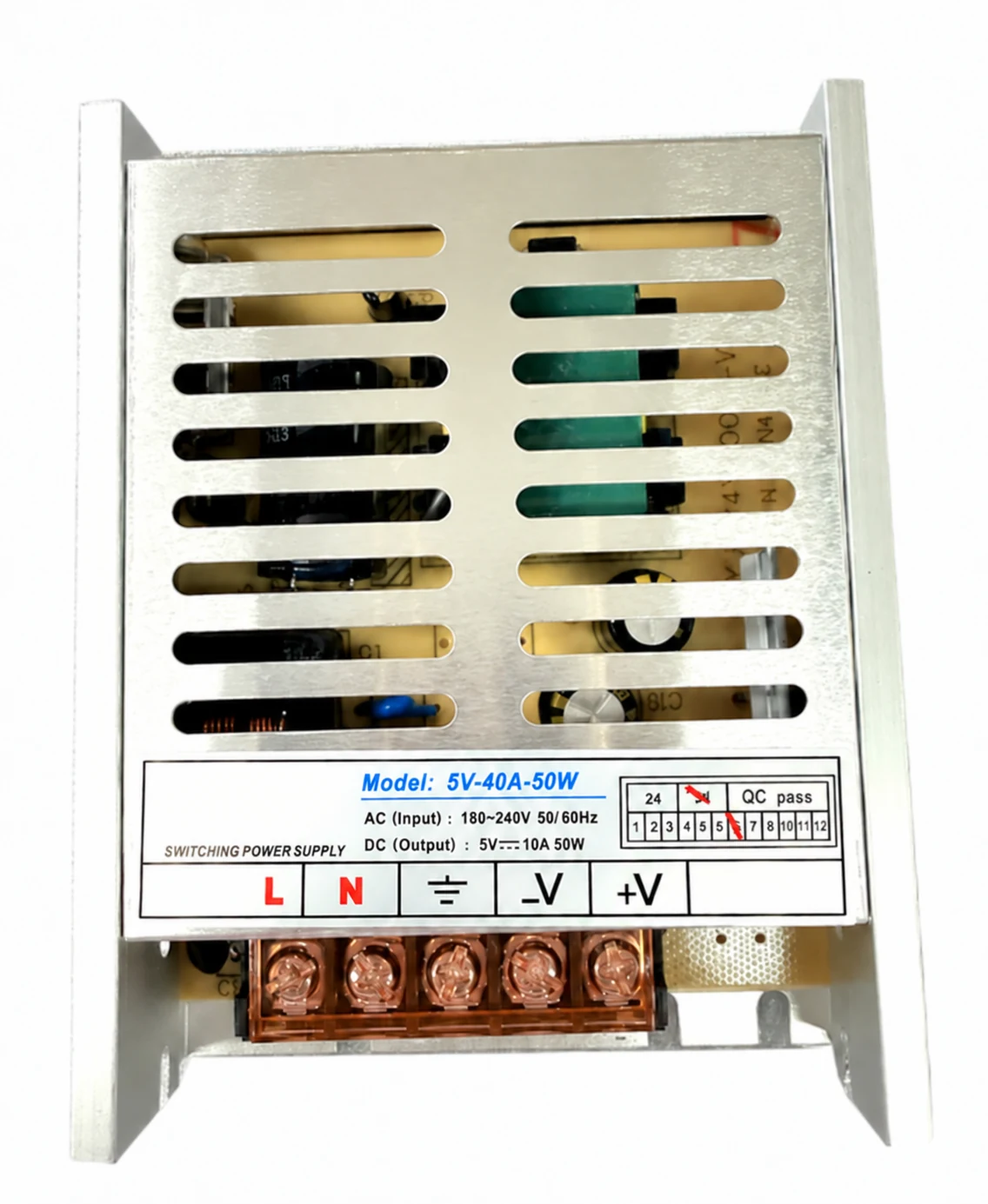
Power supply
Replacement power supply for parking equipment.
Match the output voltage, current and connector to your equipment.
Enquire about this part
Parts & replacement support
Start with the main equipment, a part marking or a previous order. Identify what needs replacing so the dimensions, connections and version can be checked.
Parking components
Order components separately or with your parking equipment. Share the model and version so we can match the right part.
Replacement power supply for parking equipment.
Match the output voltage, current and connector to your equipment.
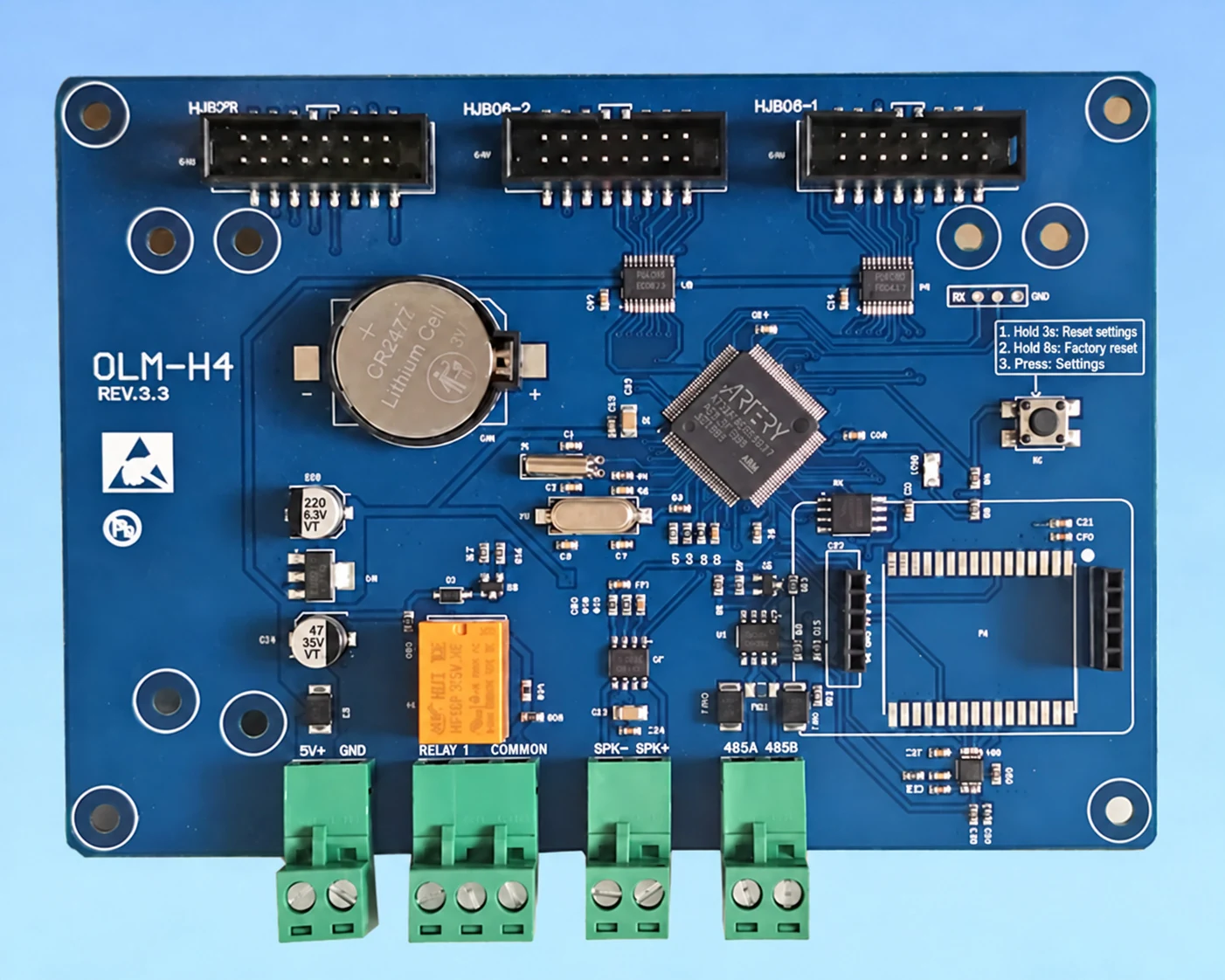
Enquire about this partControl board for the overseas parking system configuration.
Send the board marking, equipment model and required connections.
Enquire about this part
Replacement module for parking information displays.
Confirm the display size, module version and connection.
Enquire about this part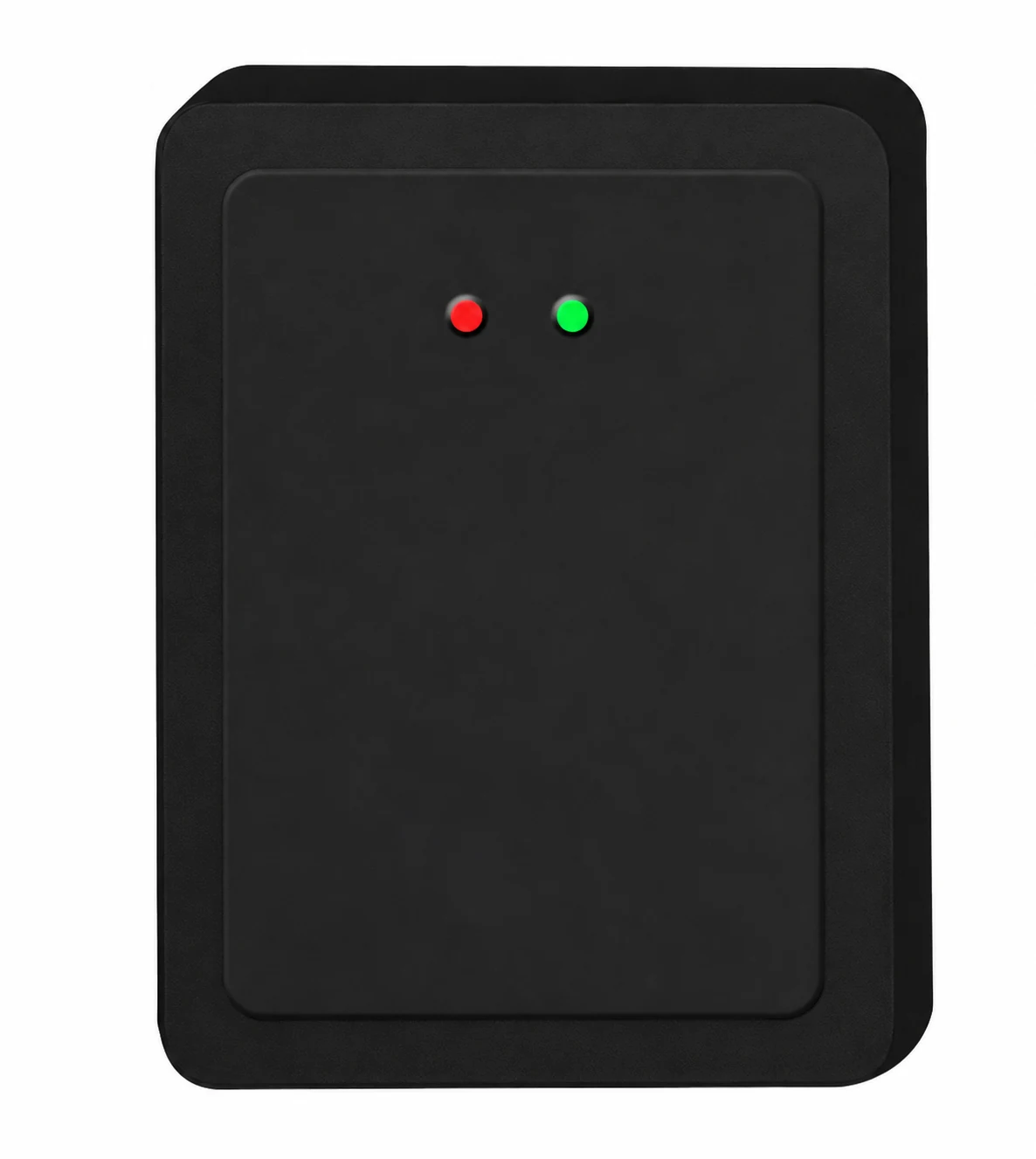
Vehicle detection component for a barrier installation.
Match the radar, mounting position and barrier controller.
Enquire about this part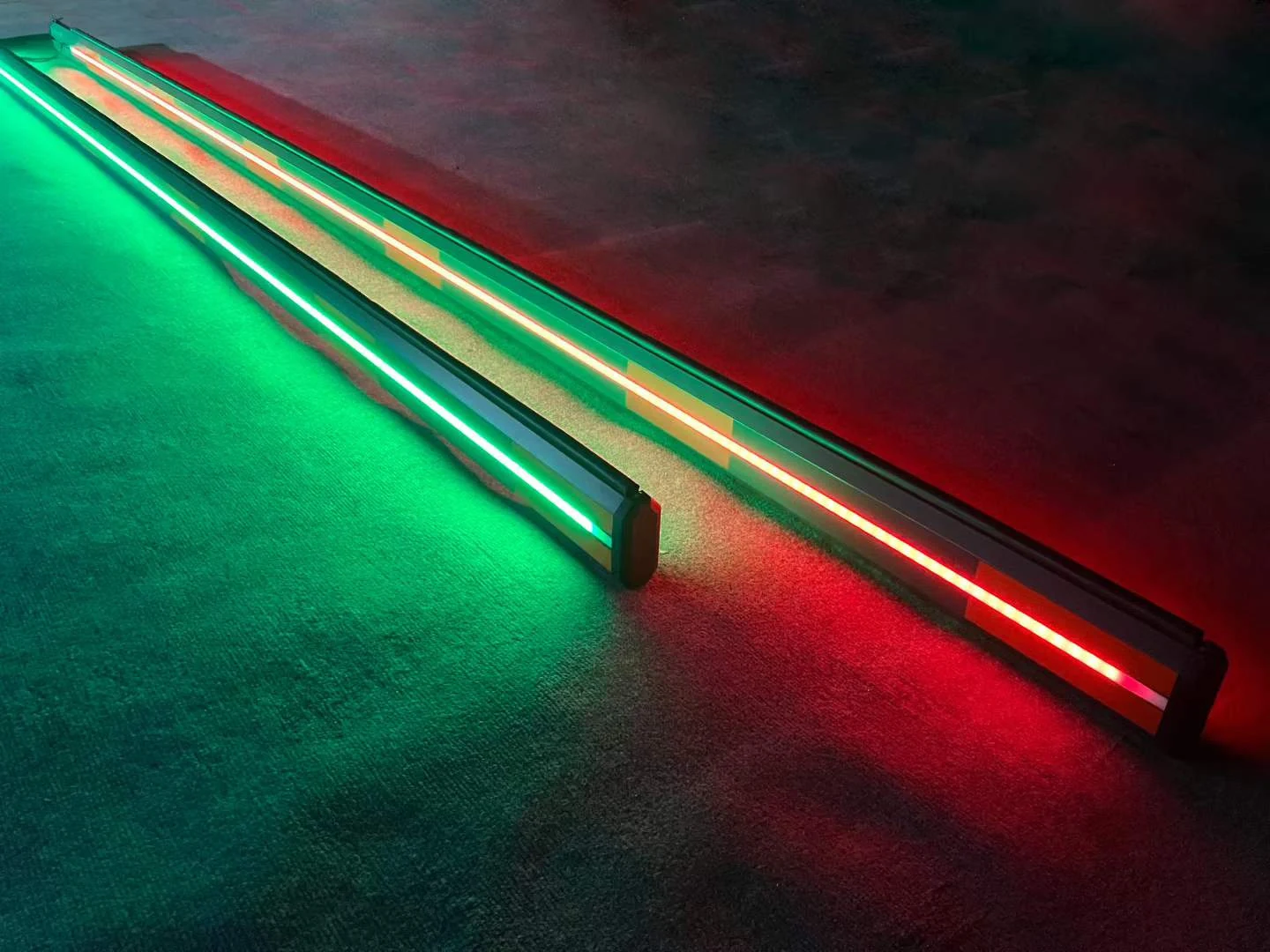
Straight barrier boom with LED and rubber strips.
Specify the required length, fixing and lighting connection.
Enquire about this partBegin with the information you have
You do not need a complete technical report to begin. Send what identifies the equipment and describe the part or change you need.
Discuss a repeat orderUse the model, order reference or equipment label. Include the controller, mechanism or mounting version if it is relevant and known.
Give a part number or describe the component. Mention whether it is a like-for-like replacement or a proposed change.
These help with the supply discussion. Photos or drawings can be shared by email after the initial enquiry.
Match against the main equipment
The product and configuration determine the parts to check. Ask about the specific item and confirm availability, supply scope and fitting requirements in the quotation.
Identify the boom type, length, fixing arrangement and mechanism. For advertising or lightbox equipment, include the graphic structure, lighting and replacement method.
Identify the connected detector or controller and the main device. Check the required power, signals, terminals and version before considering a replacement.
State the gate cabinet and lane arrangement, or the terminal mounting version. Match the fixing points, dimensions and included hardware to that assembly.
Compatibility & alternatives
Use the part reference and the supplied version to check a replacement. A main product's external dimensions are not the dimensions of every component inside it.
Information for the replacement
Ask for the relevant installation, wiring or maintenance information when discussing the replacement. Include any device version and previous changes that affect the work.
Describe what the equipment is doing, any displayed message and when the problem occurs. Include the model and connected devices so the discussion can start with the relevant configuration.
Check the cause and required repair before ordering a component solely on appearance.
Describe the issueStart a parts enquiry
A model, part reference or short description is enough to start. Add a previous order and quantity when available.