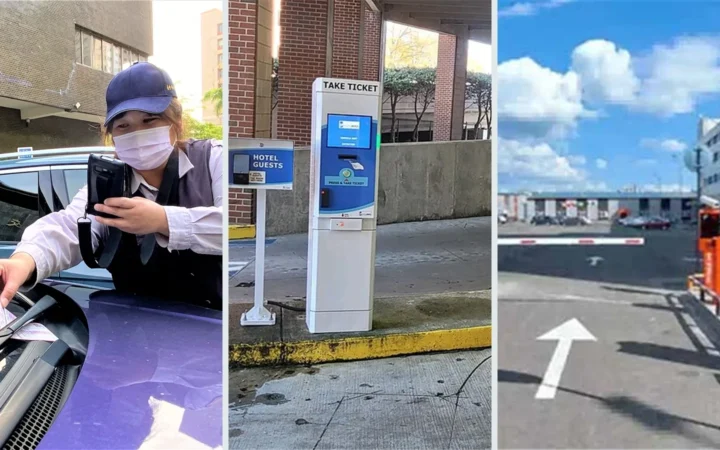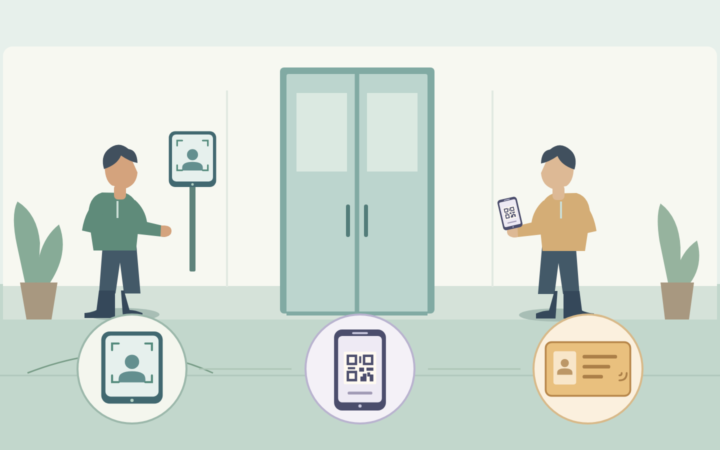

Give each vehicle a pass for a specific visit, with a deadline for entering and a separate rule for leaving. For a social guest, start with one admission arranged by the resident. For a delivery that needs to enter the property, start with one short admission linked to the drop-off. For a construction or renovation crew, allow repeat entry only on approved days, during work hours and through the assigned gate.
If the entry window closes while a vehicle is inside, the driver should be able to leave through a verified exit or get help at the gate. Decide how that works before enabling automatic expiry.
What should a temporary vehicle pass contain?
Record the host or job, the plate or other approved credential, the first and last times the vehicle may arrive, the gate it may use and how many entries it gets. Tell the driver where to park or unload. Allocate a bay separately if the visit needs a guaranteed space.
With automatic number plate recognition (ANPR, also called LPR), a camera reads the plate and the parking or access system checks it against the pass. An approved QR code or guard check can serve as another way to identify the visit where supported. A single-entry pass allows one completed arrival and its corresponding departure. A multiple-entry pass allows further arrivals during the schedule after the previous departure is recorded. Ask how your system counts a vehicle that is approved at the gate but turns away before crossing.
Suggested settings for the three vehicle types
Adapt these starting settings to your property, available space and gate staffing.
| Setting | Apartment guest | Delivery vehicle | Contractor vehicle |
|---|---|---|---|
| Registration | Resident confirms the unit, plate and expected arrival. | Recipient or receiving desk confirms the delivery. Register the plate when known. | Management checks the job and records the company, contact, approved plates and dates. |
| Valid times | Set a dated arrival window. Approve overnight parking separately. | Set an arrival window and a separate unloading limit. | Set workdays, daily access hours and a project end date. |
| Repeat entry | One entry by default. Approve return trips if needed. | One entry per drop-off. Schedule a new trip for a second load. | Allow approved vehicles to return during work hours where needed. |
| Vehicle change | Confirm with the resident and replace the original plate. | Match the new plate to the order and withdraw the old permission. | Have management approve the substitute and check the service route. |
| Cancellation | Resident or authorised staff cancels the visit. | Close the pass if the order is cancelled or the handover moves to the gate. | Withdraw entry rights when a vehicle is removed or work is suspended or finished. |
| Exit after expiry | Match the arrival. Handle any overstay separately. | Match the arrival or verify with the receiving desk, then log departure. | Use the service exit. Verify the job and log departure if staff assistance is needed. |
Apartment guests and their cars
Ask the resident to submit the plate and expected arrival. Send the guest the visitor entrance, arrival window, parking area and help number. For example, a guest can be allowed to enter between 14:00 and 16:00 with permission to park until 20:00. If they arrive late, the resident can request a new window or the guard can verify the visit under the property’s procedure. For an approved overnight visit, enter the actual dates across midnight and tell the guest where to park.
One entry is enough for a guest who parks until departure. If they need to leave and pick someone up, approve another admission or a limited multiple-entry pass. If they take a different car, confirm the new plate with the resident and withdraw the old one before arrival. Two guests in two cars need separate permissions. If the visit is cancelled after entry, withdraw the right to return and keep the arrival record for departure.
Delivery vans and trucks
For parcels handed over at the gate or lobby, give the courier directions to that point. For furniture, appliances or any delivery that needs a loading bay, have the recipient or receiving desk approve the delivery reference, expected arrival and unloading location. If dispatch does not know the plate in advance, let the guard verify the delivery at the help point and issue one admission for the actual vehicle. Send early or late drivers to the designated waiting area while staff contact the recipient or confirm a new slot.
Tell drivers the latest arrival time and how long they have to unload. Plan separate admissions for two loads and record each departure. If the courier changes vans, match the new plate to the same order and withdraw the old permission. If the order is cancelled, close the pass. A van still unloading when the entry window ends can leave against its recorded arrival. If the van also exceeds the unloading limit, have the receiving desk handle the overstay and help the driver leave if needed.
Renovation and construction vehicles
Have management approve the vehicle list against a work order or renovation permit. Record a site contact and direct the vehicles to the service gate, waiting area and unloading point. Check height, weight and turning space for larger vehicles before issuing access. Workers may need their own check-in and permission for the work area.
Use approved dates and daily hours, such as 08:00 to 17:00 on specified workdays, plus a final end date. Allow repeat arrivals when vehicles need to return with tools or materials. If your software only supports a continuous start and end time, issue dated daily passes or have the guard enforce the daily schedule. Have the site contact confirm a replacement and check that the new vehicle fits the route. If both trucks need access, approve and record them separately. Suspend future entries if work stops and close the passes when the job finishes. A truck still inside after expiry uses the approved service exit, with assistance from the supervisor if needed.
How does a vehicle leave after the pass expires?
Use the entry deadline to stop new arrivals. At departure, look for the open parking record, the record from when the vehicle entered that is still awaiting an exit. If the system can match the departing plate or credential to that record, let the vehicle follow the property’s exit rules and close the record after passage. Handle any parking fee, validation or overstay on that stay. Creating a new entry pass can leave the original parking record open.
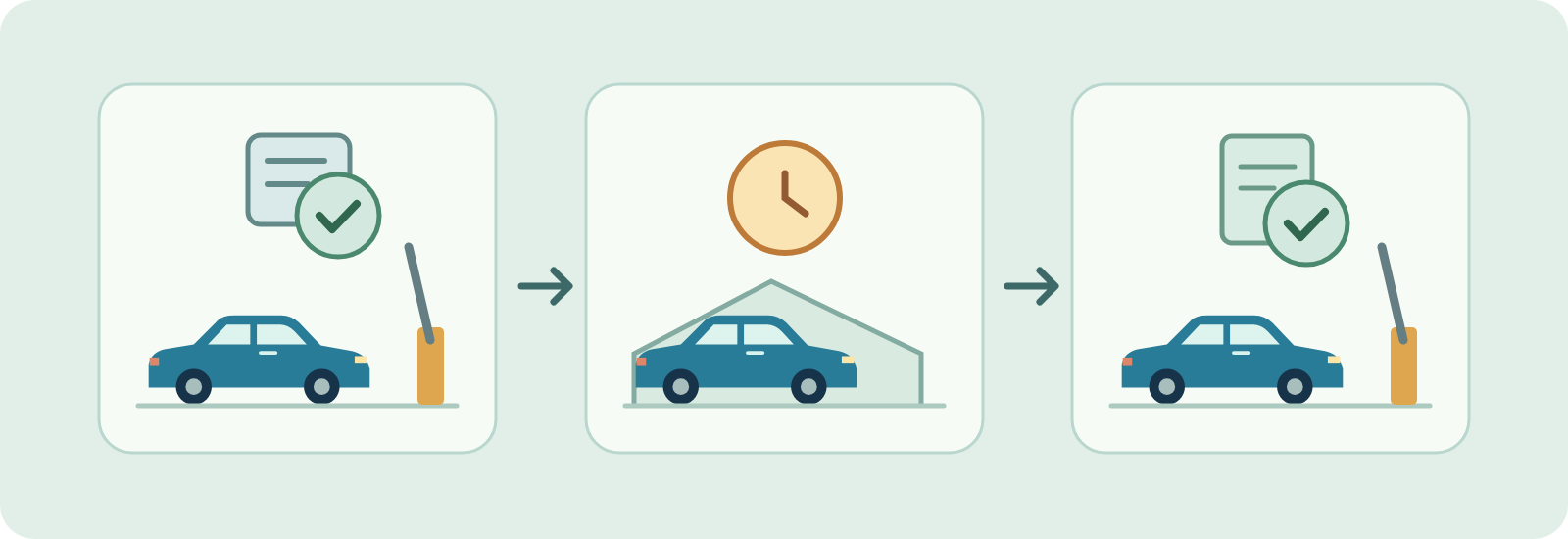
Example. A guest’s entry window ends at 16:00. They enter at 15:40 and drive to the exit at 18:10, within their approved stay. The exit matches the 15:40 arrival, records departure at 18:10 and closes the stay. A return at 18:20 needs new approval. If they first arrive at 16:10, staff check with the resident and decide whether to issue a new arrival window.
Where the exit cannot accept an expired pass, tell drivers to stop at the marked help point and call the guard or intercom. Staff check the plate against the arrival record, confirming the visit with the resident, receiving desk or site supervisor as needed. An authorised operator follows the site’s release procedure, records the reason and closes or corrects the stay. If a plate is unreadable or the arrival was never recorded, follow the site’s approved verification procedure and record the missing event. At an unstaffed gate, designate an after-hours responder and test what happens if the exit lane loses its connection.
Keep the arrival and departure under the plate that actually crossed. If a vehicle is replaced while it is still inside, withdraw its future entry right and preserve its departure record. Approve the incoming replacement separately. After revocation, check that the update reached each gate concerned, particularly if a gate was disconnected. Until staff verify the update, use the site’s manual arrival checks at that gate.
What to test before switching on automatic admission
Ask the integrator to demonstrate an arrival outside its window, a second entry on a single-entry pass, a repeat entry after a recorded departure, a truck outside work hours, a replacement plate and a cancelled pass at the affected gates. Then put an approved test vehicle inside, let its entry window expire, and demonstrate normal and assisted departure. Check that the actual movements were recorded, that an authorised exit does not reopen entry rights, and that the driver knows whom to call.
Share your lane layout, plate recognition equipment and parking management setup with SHUNJIE. Include the three vehicle types, the gates each may use, and what must happen on expiry. Ask which rules are available in the proposed software version and which require integration or a guard procedure.
If you are still choosing a resident credential, see the comparison of LPR and RFID for Malaysian condominiums. If the plate itself cannot be read, see the guide to unreadable, missing and temporary plates.
Featured image: An apartment complex can give guests, deliveries and contractors different entry rules at the same property.