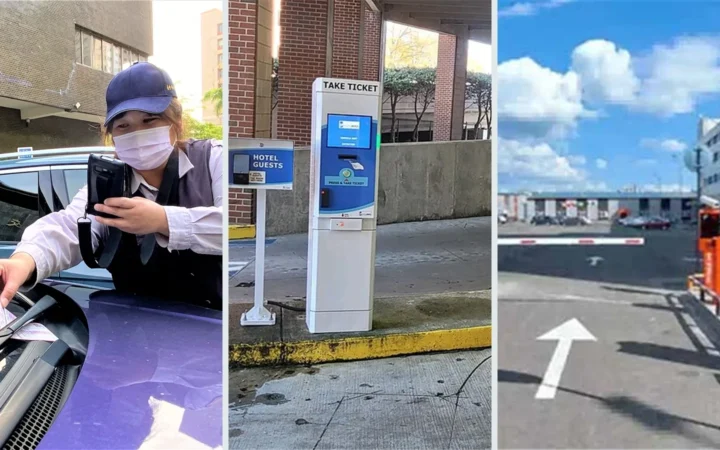
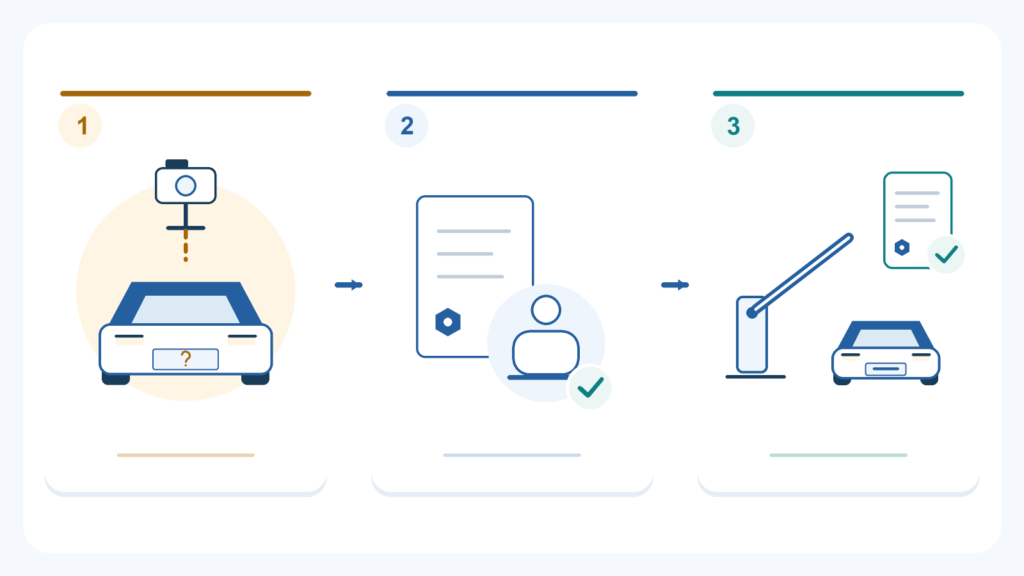
ANPR parking can still handle a vehicle with a temporary, missing or unreadable plate, provided the site has a suitable alternative way to check it in and out. A readable temporary plate may work normally. A vehicle with no usable plate needs another approved way to identify its visit. An unreadable or incorrect reading may need staff assistance or a supported correction.
These are different situations. Replacing the camera is not always the answer, and opening the barrier alone does not solve the parking record or payment problem. This guide explains what the driver and operator can do at entry and exit in each case.
If you are currently waiting at a barrier, stop at the marked position and use the displayed help point. Have your booking, permit or ticket ready if you have one. Follow the operator’s instructions rather than taking another ticket or paying again simply because the barrier has not opened.
A few terms, in plain language
ANPR means automatic number plate recognition, also called LPR. A camera and recognition software read the characters on a vehicle’s plate. The parking system then uses that result to look for a booking, access permission or parking visit. Reading a plate and deciding to open the barrier are separate jobs.
A parking session is simply the record of one visit: when and where the vehicle entered, which ticket or identifier belongs to it, any parking payment, and when it left. If the plate cannot be used, that record still needs another reliable reference.
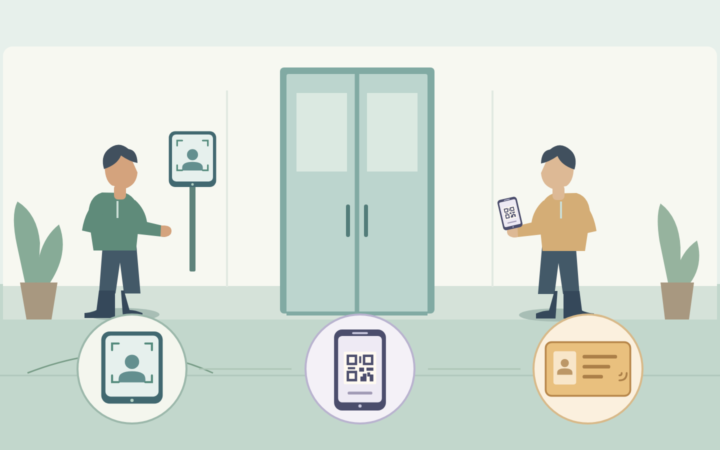
An alternative credential is another accepted way to identify the visit or check access, such as an issued parking ticket, booking QR code or resident card. Not every site offers all of these. An assisted route means the driver contacts an attendant or help point instead of relying entirely on automatic entry or exit.
1. Temporary plates: can the system read them?
Sometimes yes. A temporary plate is a type of registration, not automatically an ANPR failure. Whether it works depends on the actual plate format, the recognition version and how clearly the plate appears in the lane image. Temporary registrations differ between countries, so they should be checked using relevant local samples.
Before the vehicle arrives
For a resident, employee or pre-booked visitor, check which number is registered in the parking account. A correctly read temporary number may still be refused if the account contains the driver’s previous vehicle or a future permanent number.
- Register the temporary identifier through the operator’s approved process, including its validity period where relevant.
- Confirm whether that plate format has been tested with the chosen recognition configuration.
- Tell the driver which help point or alternative credential to use if automatic access fails.
For recognition testing, our country and plate-format compatibility guide explains how to move beyond a general “country supported” claim.
If entry does not work
- Check what was read. Did the system capture the correct temporary number, a different number, or nothing?
- Check the booking or permission. If the reading is correct, the problem may be the account or access period rather than the camera.
- Use the agreed assistance method. Staff can check the booking or other approved reference and follow the site’s entry procedure.
- Keep the visit identifiable. If a ticket or another reference is issued, the driver needs to know which one to use when leaving.
Example: a resident arrives in a new car with a temporary registration. The camera reads it correctly, but the monthly permit still lists the old car. The useful next step is to verify and update the permitted vehicle through the operator, not repeatedly adjust the camera’s image settings.
At exit, and when the permanent plate arrives
Use the plate or alternative reference that was linked to that particular visit. If the vehicle changes from a temporary to a permanent registration, update future access and check how the operator handles any visit already in progress. Changing the account number should not cause the original entry and its payment to be lost or treated as a second visit.
2. No usable plate: how can the vehicle enter and leave?
The system needs another approved way to identify the visit. ANPR cannot supply a registration number that is not visible to the camera. “No usable plate” can mean an absent plate, no plate on the side being captured, or an identifier that the selected system cannot use. This does not decide whether the vehicle’s registration arrangement is legally valid; local rules and vehicle types differ.
At entry: choose one usable reference
The operator should decide which alternatives are available for that lane. Depending on the installation, this might be:
- An issued parking ticket: its unique number identifies the visit and entry time.
- An approved booking or visitor credential: for example, a QR code connected to the booking and accepted by that site.
- A resident or staff credential: where the access rules allow it and the visit is recorded appropriately.
- Attendant or intercom assistance: an authorised person checks the visit and records the decision through the available system.
The important point is to use one reference that can be found again at exit. A shared invented plate such as “UNKNOWN” is a poor substitute: several unrelated vehicles can then appear to have the same identity. Use the software’s supported no-plate or exception process instead.
At exit: use the same visit, not a new one
If the driver entered with a ticket, booking code or assisted record, start with that reference. Staff should be able to check the entry time, access basis and payment under the operator’s procedure. The driver should not need to invent a plate number just to make a payment machine accept an entry.
Example: an authorised visitor cannot be identified by plate, but the site accepts a booking QR code. The entry system links that code to the visitor’s arrival. At exit, the same booking or associated payment record is used to check the visit. This works only if the reader and parking platform are configured for that connection; a QR reader by itself does not create it.
What if there is no ticket, alternative reader or attendant?
Then the site does not yet have a complete route for this situation. The operator needs an approved assistance arrangement or another permitted entrance before promising that these vehicles can use the lane. A camera-only installation cannot solve every no-plate visit by changing an ANPR setting.
3. The plate is there, but ANPR cannot read it: what happens next?
First distinguish a missing reading from a wrong reading. A visible plate may be blurred, obscured, poorly lit or outside the useful capture area. Alternatively, the system may produce text that differs from the plate. These need different checks.
What should the driver do?
Stop at the lane’s marked position and follow the signs. If the barrier remains closed, contact the help point rather than repeatedly moving under the boom. Give the operator the plate number and any ticket or booking reference requested. Do not leave the vehicle in the barrier’s movement area to inspect equipment or try to lift the arm.
What should the operator check?
- Look at the current event. Is there an image of this vehicle, and is the relevant plate visible? Make sure the event belongs to the correct lane and time.
- Compare the reading with the evidence. If the software supports authorised correction, retain the original reading and the reason for the change.
- Check access or payment. A corrected number still needs the normal booking, permission or fee check. Changing the text is not itself approval to pass.
- Use the configured assistance route if needed. Preserve the original entry or exception reference and record the approved action.
Example: the entry record contains one wrong character. At exit, a correct reading finds no matching visit. An authorised operator checks the entry image and time, confirms the right visit, and uses the platform’s supported correction or matching process. Creating a second entry at the exit would not explain the time already spent parked.
If many vehicles repeatedly fail in the same lane, investigate the equipment and capture conditions separately. Our LPR camera fault-diagnosis guide covers missing images, triggering and communication problems. Helping today’s driver and correcting a recurring technical fault are both necessary tasks.
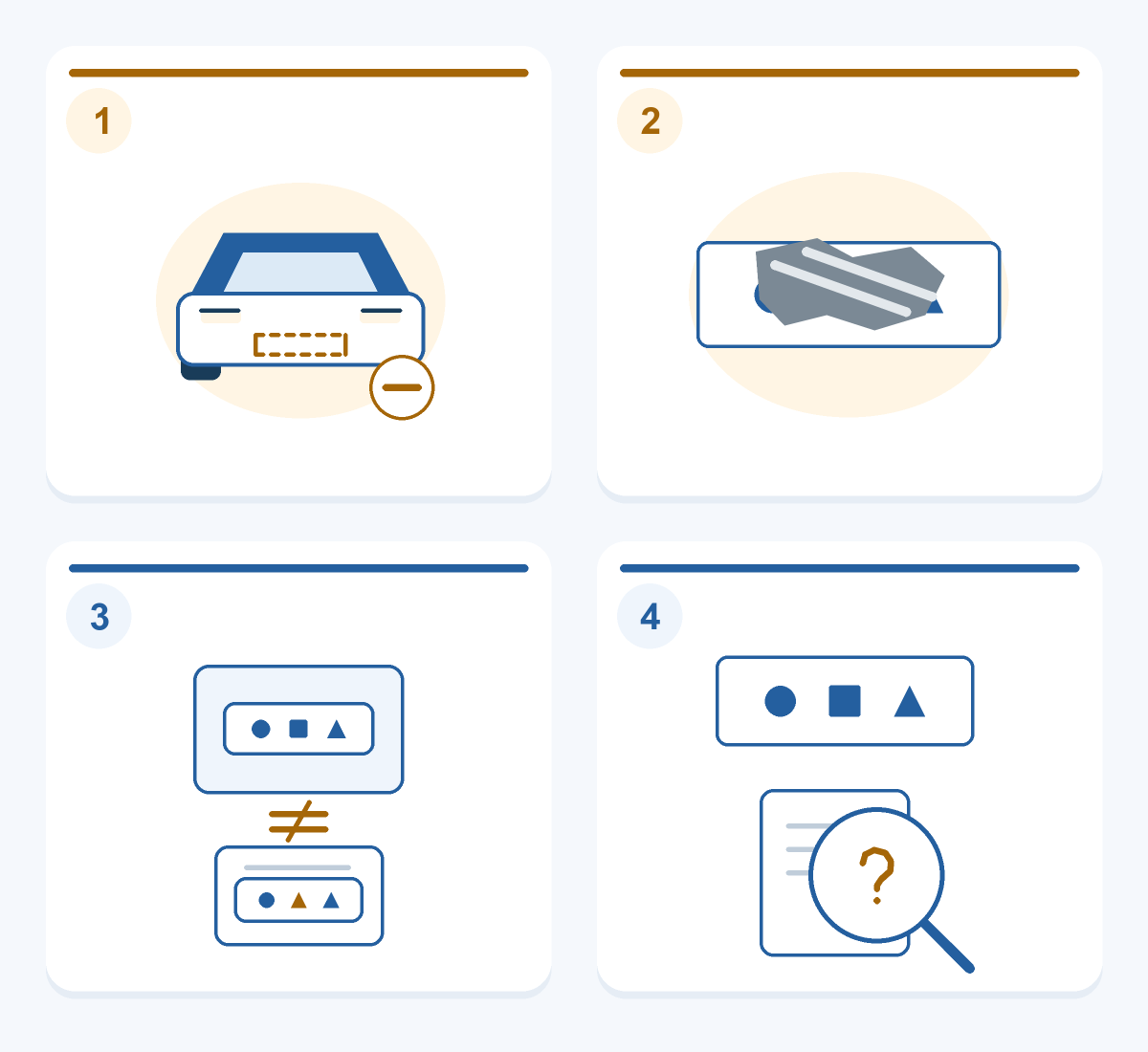
What if the plate is read correctly, but there is no matching visit?
This is a record-matching problem, not necessarily a recognition problem. Staff should check the reference used at entry, the entry lane and time, the booking or permit, and whether an earlier correction or assisted entry was recorded.
Use evidence together. A similar plate string or an approximate arrival time alone is not enough to change another driver’s record. Where the evidence does not establish the visit, refer the case to an authorised person under the site’s missing-record and fee-review policy.
A useful record does not need to be complicated:
| Keep | Why it helps |
|---|---|
| One unique visit or exception reference | Separate this vehicle’s visit from other no-read events. |
| Entry/exit time, lane and permitted evidence | Find the right event and explain any correction. |
| Booking, ticket, permit and payment reference where applicable | Check entitlement and charges against the same visit. |
| Authorised staff action and final outcome | Show why assistance was given and whether the vehicle left and the record was reconciled. |
This is a suggested record, not a list of standard fields in every parking product. Use only the information the site is authorised to collect, with appropriate access and retention controls.
Other questions drivers and operators often need answered
Should the driver always take a backup ticket?
No: follow the site’s procedure. A ticket may be the intended backup at one car park, while another site expects a prepaid booking to be verified through the intercom. A new ticket can create a separate visit that is not linked to the booking.
For a concrete example, Stansted Airport’s parking instructions (English) tell pre-booked users whose vehicle is not recognised to request assistance rather than take a new ticket or token. That is the airport’s specific process, and it shows why a universal “just take a ticket” instruction is unhelpful.
The driver has paid, but the barrier still will not open. What now?
Check whether the parking platform confirms payment for the correct visit. A bank notification can show that money moved without showing which parking order received the confirmation. Staff should compare the booking or ticket, plate if available, payment reference and visit status before requesting another payment.
If payment is confirmed but release still fails, the fault may be further along the permission, control or barrier chain. Use the operator’s assistance process, record any approved action and refer unresolved payment adjustments for reconciliation. Do not assume that an ANPR read failure cancels the parking charge.
Can an attendant simply open the barrier?
An authorised attendant may release a vehicle where the site’s policy and controls allow it. The action should still have a reason, a link to the relevant visit and a recorded outcome. If the fee or entry record remains unresolved, assign it for follow-up rather than pretending it disappeared when the boom moved.
Use approved controls with the required detection and safety functions active. Do not make routine exception handling depend on following another vehicle, shorting inputs or disabling protective equipment.
What should be agreed before this route is put into use?
The operator and integrator should be able to explain, in ordinary language:
- Which temporary and other local plate formats have been checked?
- What will the driver see and do if the plate is missing or cannot be read?
- Which alternative reference connects entry, payment and exit?
- Who can correct a record, approve access or review a disputed fee?
- What happens when the vehicle leaves, and who resolves an unfinished record?
Walk through the three main situations with the actual lane system before handover. Include a wrong reading and an exit with no matching entry. Check the signs, help response, record, fee review and final passage, rather than checking only whether the barrier can open.
The equipment and software must work together. Our ANPR integration guide explains the connections to confirm. For example, SHUNJIE’s SJZNPX-2 ticket terminal lists paper-ticket issuing, QR scanning and video intercom. These provide hardware options for an assisted route; visit matching, access rules and payment handling depend on the chosen parking platform and configuration.
To discuss a suitable arrangement, share the lane layout, sample plate formats, existing software and the exceptions you need to handle. We can review the recognition and display equipment and connections with your integrator, with software functions and local responsibilities agreed for the project.
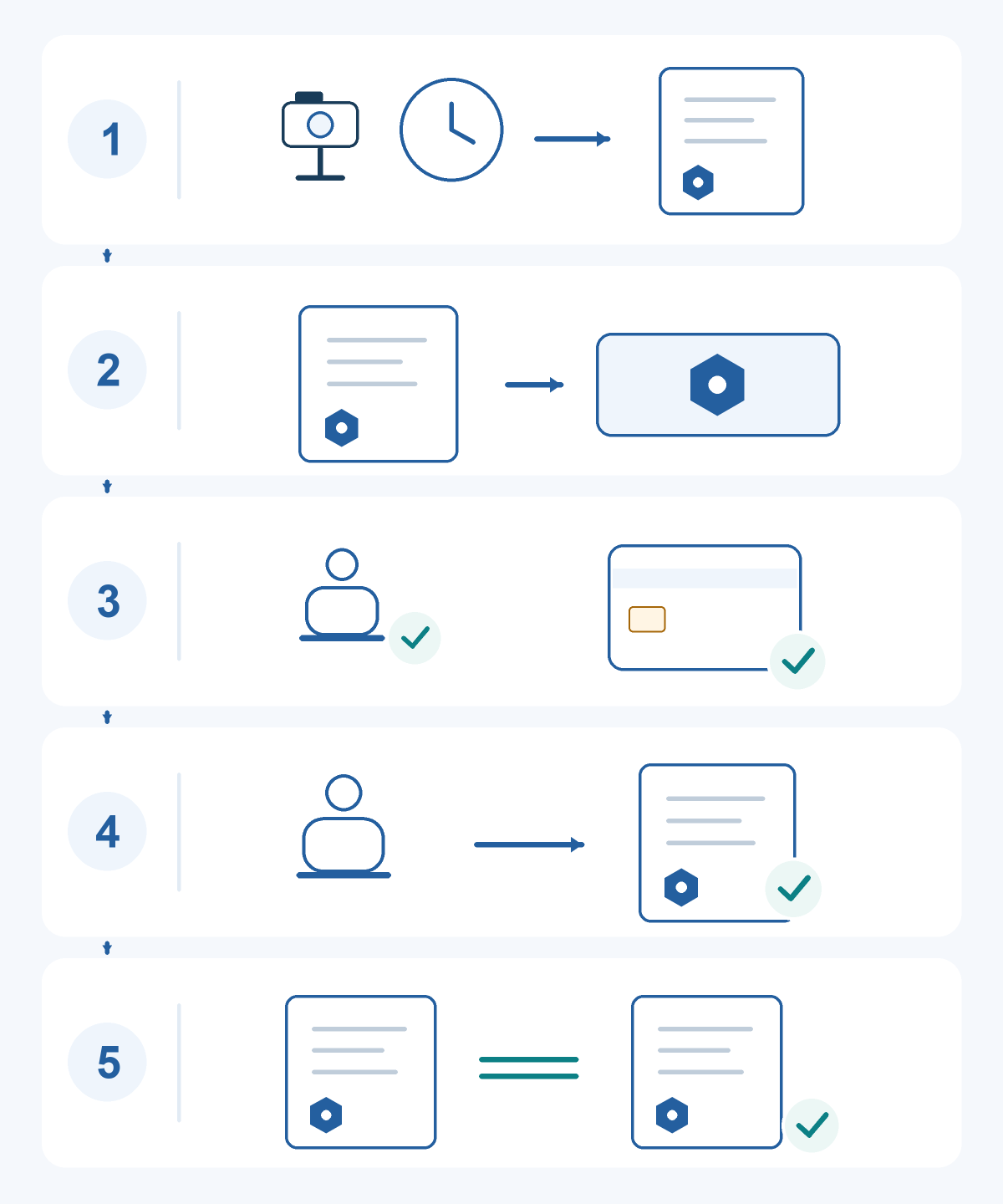
Featured image: Illustration: check the vehicle and its visit before approving the next action. The drawing is not a product screen or a record of an actual test.