“Free parking software” needs a written scope: the application and version, included functions, licensed capacity, deployment, use period and services. A zero-price base license does not answer what happens when you add lanes, connect another system, replace the server or stop renewing a service. Those changes may be included, separately chargeable or unavailable under the proposed package; obtain the answer before ordering.
To compare parking management software license costs, ask every supplier to quote the same starting configuration and the same future changes. Separate the right to use software from hosting, integration work, updates and support. Then build a five-year software cost worksheet from those written answers, rather than treating an unspecified blank as zero.
This guide is for parking operators, distributors and system integrators assessing equipment with bundled software or a separate parking platform. It provides a scope checklist, four practical change scenarios and a worksheet. It does not assume that every supplier charges for every item.
First define what the included software actually covers
Start with the software’s name, edition and version, the equipment it runs on, the entity receiving the license and the party responsible for support. A recognition application inside a camera, a parking-management application and a cloud dashboard are different components. Listing the parts of an LPR parking system helps prevent one included component from being mistaken for the complete software stack.
Have the supplier identify which functions are included in the ordered configuration: resident access, visitor handling, tariffs, payment status, reporting, operator permissions and required interfaces, as applicable. Record any limits and third-party dependencies. A feature list should distinguish demonstrated functions from optional modules and development work.
Clarify the commercial wording:
- Bundled or no additional license charge: identify the hardware order, functions, capacity and use conditions to which that statement applies.
- Trial: distinguish evaluation permission from production use, and record any expiry or capacity limit.
- Perpetual license or subscription: request the actual use term, activation conditions and what changes when maintenance or a subscription ends.
- Open source: request the exact component, license, version and source-access method. The Open Source Initiative’s definition concerns distribution and modification rights, not merely a zero price or a visible source file. An API is not source-code delivery; implementation and support still need their own scope.
These descriptions can overlap. Software can be bundled with equipment and still have capacity limits or optional services. The useful purchasing document is the actual license and scope schedule, not the label alone.
Scenario 1: the car park grows from two lanes to four
Imagine a site buying software for two operating lanes and later adding two more. The commercial question is not simply “What does another barrier cost?” Ask which software quantities change and how the added capacity is enabled. This is a planning example, not a SHUNJIE project or a standard lane design.
| Possible license unit | Definition to obtain | Expansion question |
|---|---|---|
| Camera or recognition stream | Physical device, active feed or analytics channel; distinguish recognition from video viewing. | Does each added or replacement camera consume an entitlement? |
| Lane or access point | Entry, exit, paired entry/exit or reversible lane, as defined by this supplier. | Which exact lane additions change the included capacity? |
| Site or system instance | A physical location, database, server instance or centrally managed group. | Does a second car park need another base license or hosted account? |
| Operator or connection | Named accounts, simultaneous logins or client connections; distinguish these from registered drivers. | Can another reception desk or remote operator log in within the existing allowance? |
| Module, interface or endpoint | The exact enabled function and each permitted external connection. | Is the new visitor, payment or reporting connection included? |
| Usage or storage | Counted requests, records, retained images or another stated measure and period. | What happens at the limit: charge, restriction, retention change or another agreed action? |
Real products use different licensing dimensions. Ask for the current license schedule for the exact product and edition, with each unit and capacity allowance defined. The units in the worksheet are comparison questions, not a SHUNJIE pricing model or proof that every supplier charges separately for them.
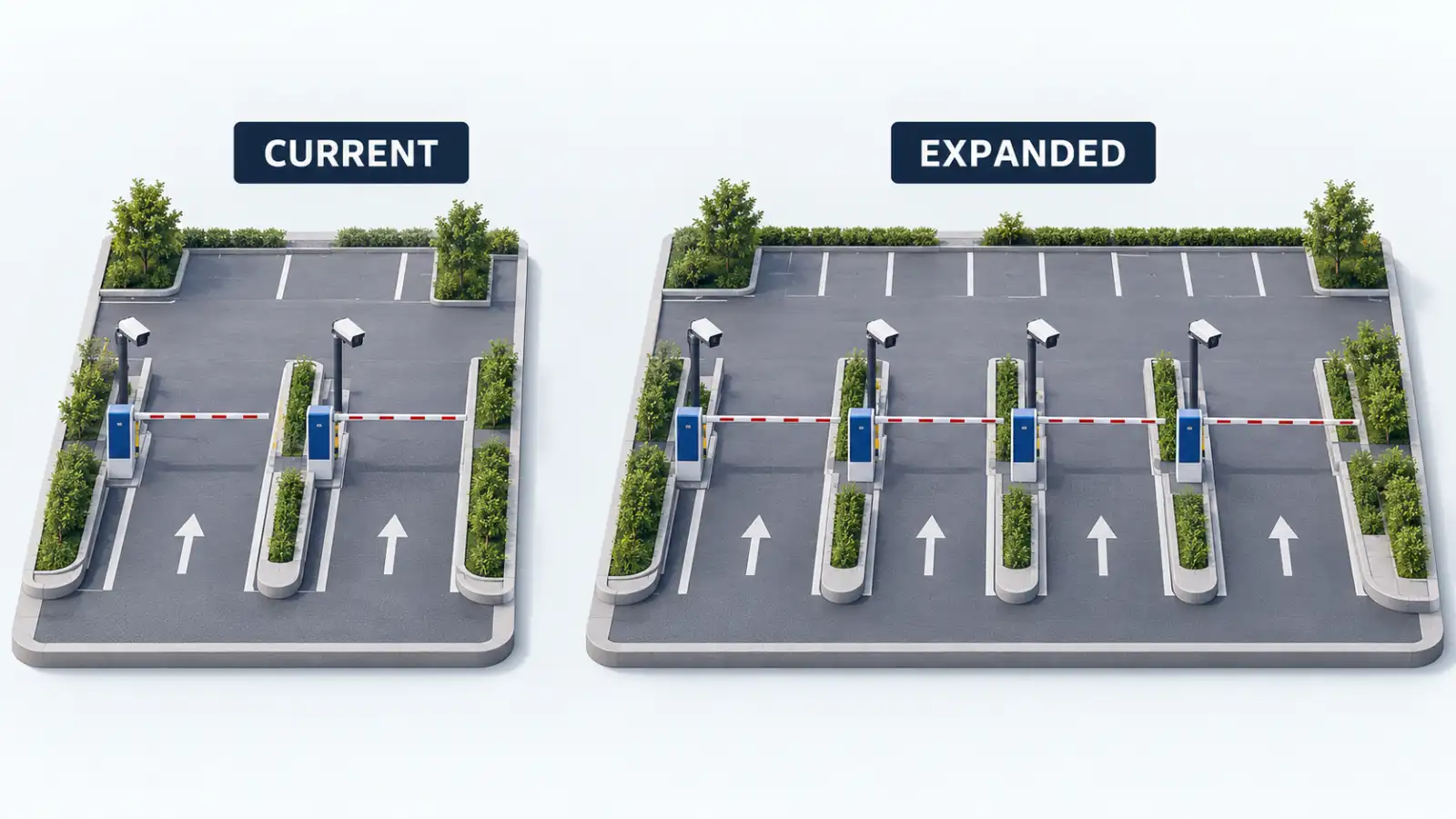
Ask for a priced or explicitly included expansion option against the agreed future layout. It should state the additional entitlements, configuration, commissioning and any server or service-capacity change. Buying spare license capacity does not by itself establish that the existing hardware can process the expanded site.
Scenario 2: a hotel or office connects its visitor platform
A hotel may want reception staff to create parking access from its visitor or reservation system. “API available” is only one part of that deliverable. Separate four scopes:
- Permission to use the interface: production API or SDK entitlement, supported version, allowed endpoints and applicable usage limits.
- The connector: an existing supported connector or new development, with its own included functions and version compatibility.
- Implementation and acceptance: mapping records, permissions, configuration, testing, staff training and responsibility for failures.
- Ongoing dependencies: third-party service charges, connector support and responsibility when either platform changes.
Define the action to demonstrate: for example, create a valid visitor permission, change its expiry, cancel it and confirm the parking system has the intended result. Agree who can diagnose a missed or duplicate update. Access to documentation does not establish that development, production credentials or long-term connector maintenance are included.
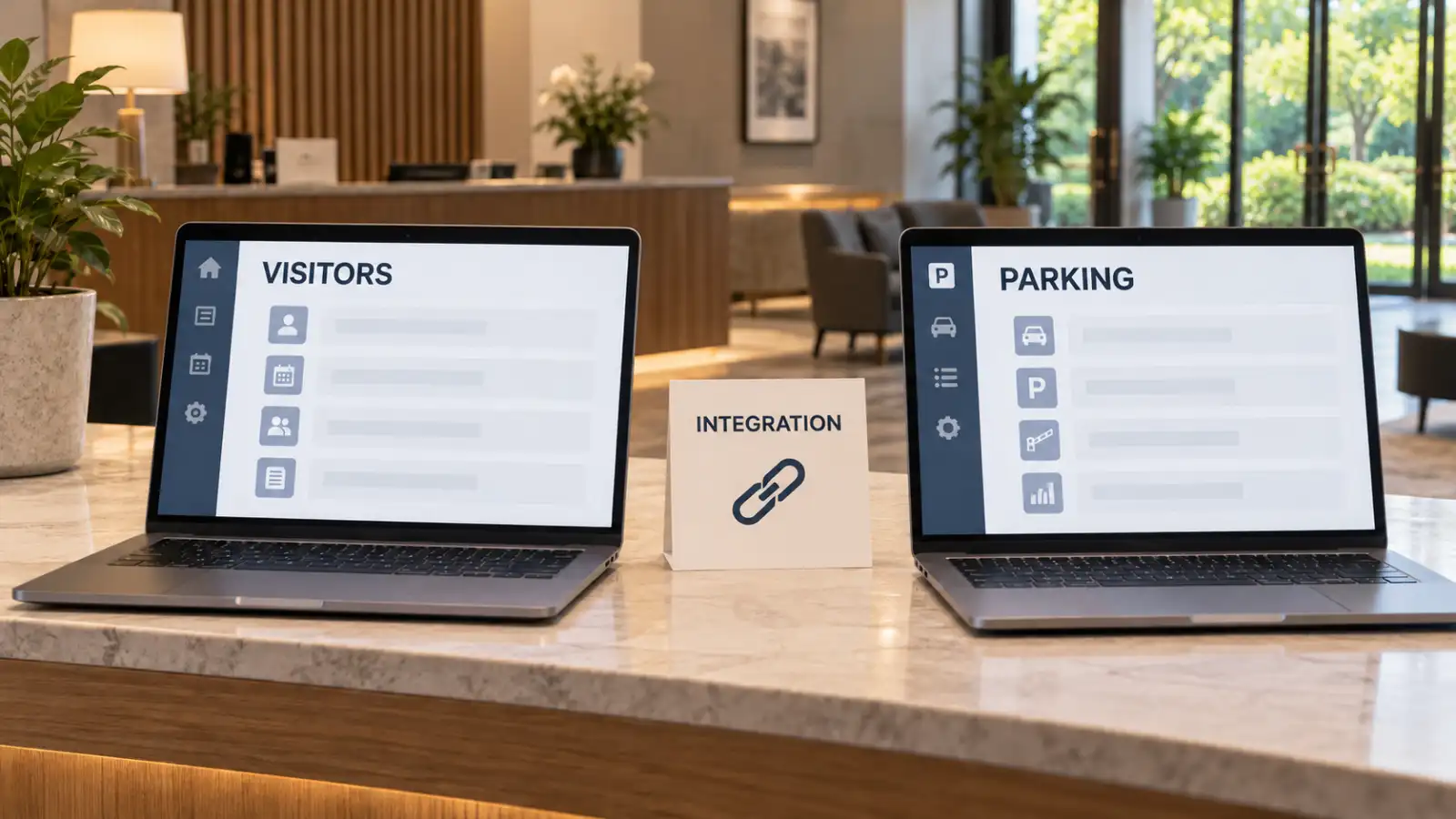
Request one named owner and an acceptance record for the complete connection. If a third party supplies part of it, identify the contract and support route. Do not count the same connector fee once in the software bundle and again under integration; equally, do not leave a required third-party service outside the comparison.
Scenario 3: the management computer or AI Box is replaced
A backup, a software installer and a transferable license solve different problems. Ask the supplier to describe both a planned move, when the old device still works, and recovery after failure, when it cannot be deactivated. Do not assume the same procedure, waiting time or fee applies to both.
Record what the license is bound to, who holds the activation account, whether a release/reset/rehost is permitted, who performs it and what support or service charge applies. Include the time needed to restore the database and configuration, reconnect devices and verify operation. Ask how replacement hardware and software versions are selected so that the restored system remains compatible.
Define a temporary operating arrangement for the recovery period. A locally installed application may still have license-validation dependencies, so “on-premise” is not enough to answer how it behaves without internet access. Obtain the actual activation and validation conditions; do not substitute a generic offline-duration promise.
Scenario 4: maintenance ends, or the operator changes platform
Separate continued use of the ordered version from bug/security fixes, new features, a higher software edition and technical support. Ask who performs upgrades, whether installation and retesting are included, and whether a connector or device also needs an update. The expiry of one service does not, by itself, tell you what happens to every function.
Before the contract starts, obtain written answers for three different events:
- Maintenance is not renewed: which use rights and functions continue, which updates or assistance end, and what conditions apply to later reinstatement?
- A hosted subscription ends: when do operational access, reporting and export access change, and is there an agreed transition period?
- The operator migrates: who supplies the export, in which formats, at what cost and before which access or deletion deadline?
Request a sample export and inspect it. A report CSV is not necessarily a complete migration package. Specify the records, identifiers, timestamps/time zones, images and configuration needed for the move, then establish what the destination system can import. Do not assume that operator accounts, device settings, tariffs and linked historical records can all be recreated from a transaction report.
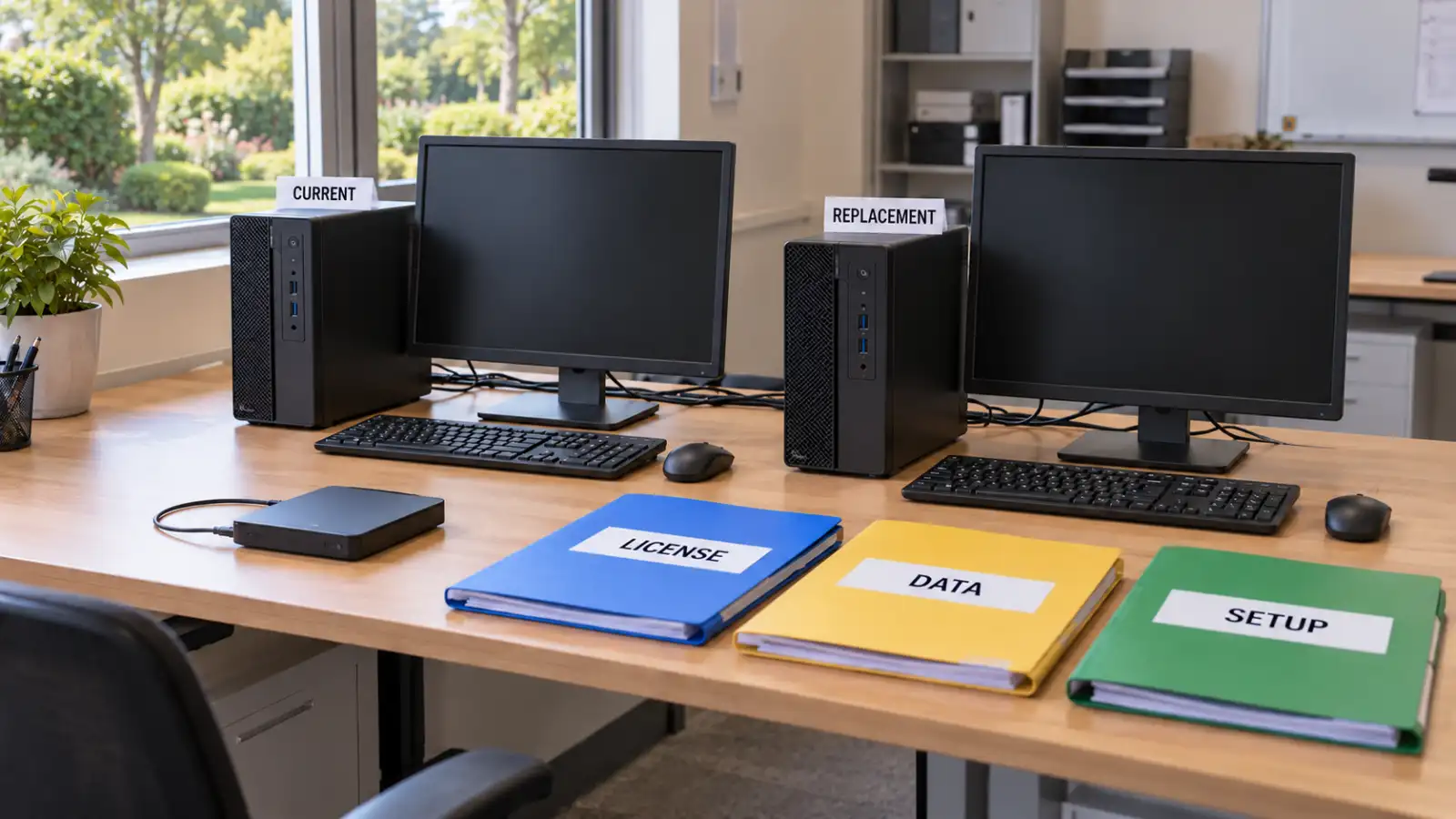
For a replacement or exit plan, request a demonstration using the agreed export and restore procedure, plus a named escalation contact. Keep license authority, data access and the technical restore test as separate checklist items. An attractive migration diagram is not evidence that the ordered software can be moved.
Build a five-year software cost worksheet
Use the same starting site, deployment, growth assumptions and service level for every proposal. Choose a comparison currency and tax basis, record the quote date and validity, and identify who invoices each line. Separate costs paid once, costs recurring each period, usage charges and named change events.
For each line, record the quantity, unit price or included allowance, billing period and evidence reference. Multiply monthly charges by the relevant months; for usage charges, state the forecast quantity and any included allowance. Label a line as included only when the quoted bundle covers it. An unanswered field remains unresolved, not zero.
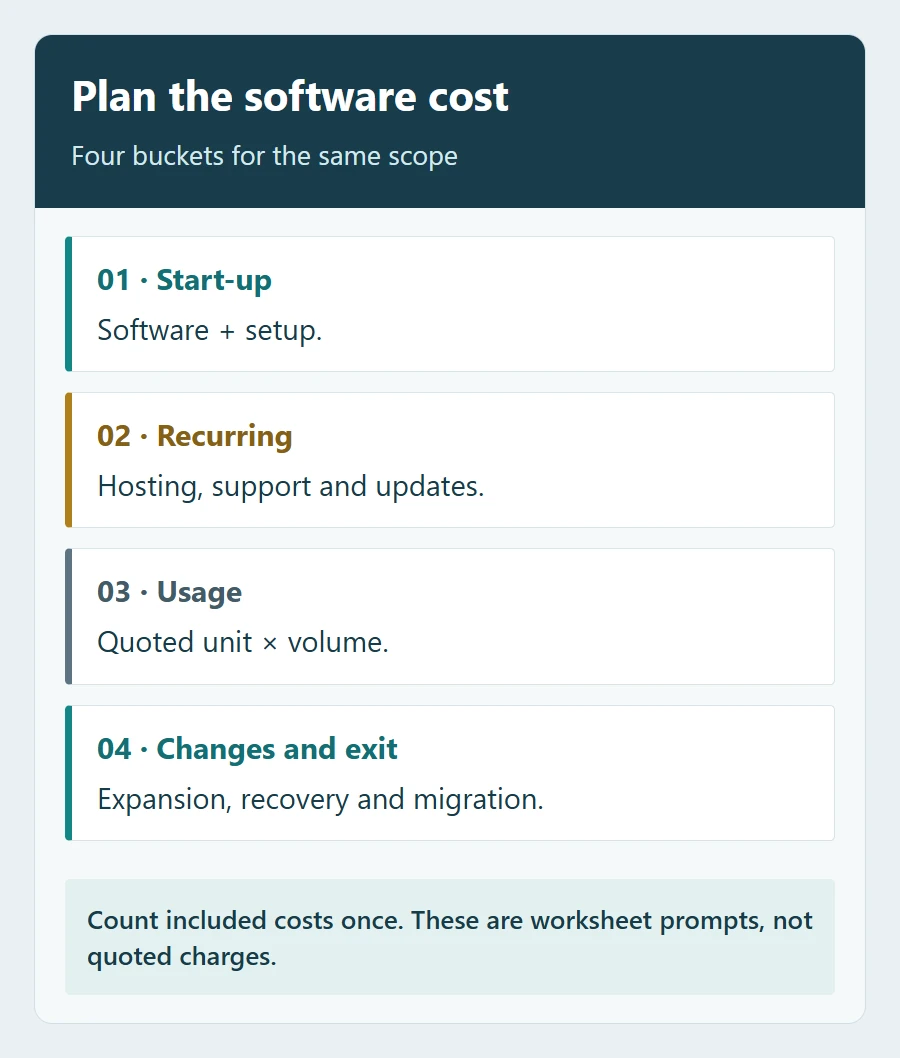
The following is a reader worksheet. Enter totals from the itemised software quotation and the specific change scenarios you agree with the supplier. Put a one-time setup charge in the year it is incurred; do not repeat it merely because the same software is still running.
| Period | Software and setup | Recurring and usage | Defined changes or exit | Period total |
|---|---|---|---|---|
| Year 1 | Enter quoted or included | Enter annual total | Enter agreed events, if any | Enter total |
| Year 2 | Enter new items, if any | Enter annual total | Enter agreed events, if any | Enter total |
| Year 3 | Enter new items, if any | Enter annual total | Enter agreed events, if any | Enter total |
| Year 4 | Enter new items, if any | Enter annual total | Enter agreed events, if any | Enter total |
| Year 5 | Enter new items, if any | Enter annual total | Enter agreed events, if any | Enter total |
| Five-year total | Sum this column | Sum this column | Sum this column | Add all five period totals |
Include the relevant license modules, implementation, hosting, storage, support/update plans, third-party services and the agreed expansion, replacement or exit work. Record renewal pricing and notice conditions where available; label future rates that are not committed. A scenario estimate is not a guaranteed supplier price.
This worksheet isolates software and associated services. It is not the complete parking project’s total cost of ownership: hardware, freight, civil works and other project costs still need their own scope. Avoid adding these software totals twice when transferring them into a larger project budget.
Ask for a scope schedule you can use at handover
Send the supplier this brief, completed for your project:
Software name, edition and version:
Site count, entry/exit layout and initial equipment:
Initial cameras/streams, operators and required functions:
On-premise, cloud or hybrid deployment:
Required third-party systems and interfaces:
Planned expansion during the comparison period:
Required update, support and recovery responsibilities:
Replacement, export and end-of-service requirements:
Comparison currency, tax basis and five-year assumptions:
Request a line-by-line response showing included, optional, by others or excluded, with the license unit, allowance, term, price basis and responsible party. Attach the applicable license and service terms to the accepted scope, and keep the activation-account and handover responsibilities documented. That gives the operator something more useful than an unexplained “free software” line on an invoice.
If you are assessing a SHUNJIE parking payment station or Smart LPR AI Box, send the starting configuration and planned changes with your enquiry. Ask SHUNJIE to confirm the software, included scope, third-party dependencies and relevant support terms for that exact proposal. A project-specific written response is the basis for comparison.
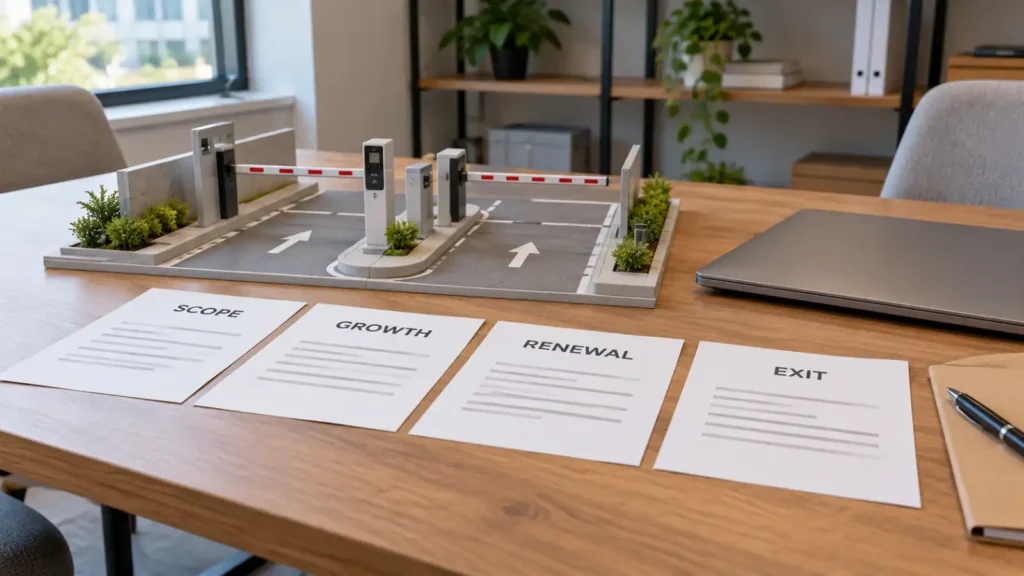
Featured image: AI-generated procurement scene with a generic parking model. Not a SHUNJIE software screen, quotation or customer project.
Featured image: AI-generated procurement scene with a generic parking model. Not a SHUNJIE software screen, quotation or customer project.