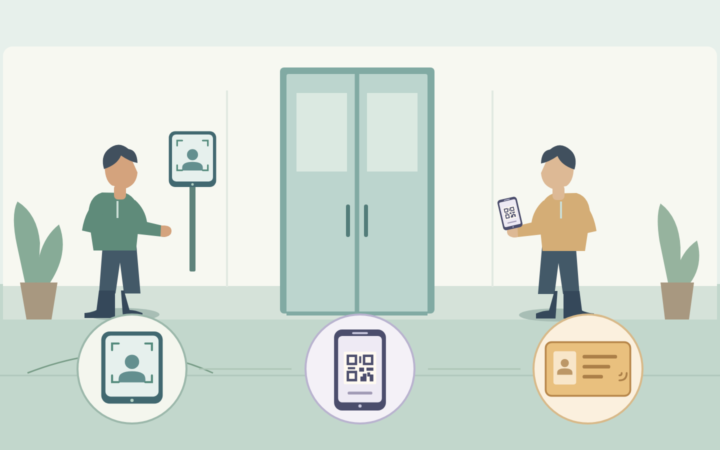

A face recognition terminal needs a way to check access permission and a device that physically releases the entrance. For an office door, that device is usually an electric lock or strike selected for the door and frame. For a pedestrian gate, it is the gate’s own mechanism and control board. Both installations need the appropriate power, mounting and a planned way for people to enter or leave when face recognition is unavailable.
Before ordering, ask the supplier where the access decision is made and which device controls the entrance. Some terminals combine recognition and door control. Other installations use a separate controller. The answer determines whether you need another control unit or can use one you already have.
What happens between recognition and opening?
- Identify the user. The terminal compares a face with an enrolled reference. Enrollment is the process of registering the reference used for future checks.
- Check permission. The system checks whether that person may use this entrance at that time. An employee may have permission for an office during work hours and still be refused at a restricted door.
- Issue the opening command. The controller operates the selected lock or sends an approved opening request to the pedestrian gate. A controller may be built into a terminal or installed as a separate unit.
- Release the entrance and check the result. A lock releases so the person can open the door. A powered gate moves its panels or arms according to its own controls and protection. Where the installation supports feedback, check actual door position or gate passage separately from the permission event.
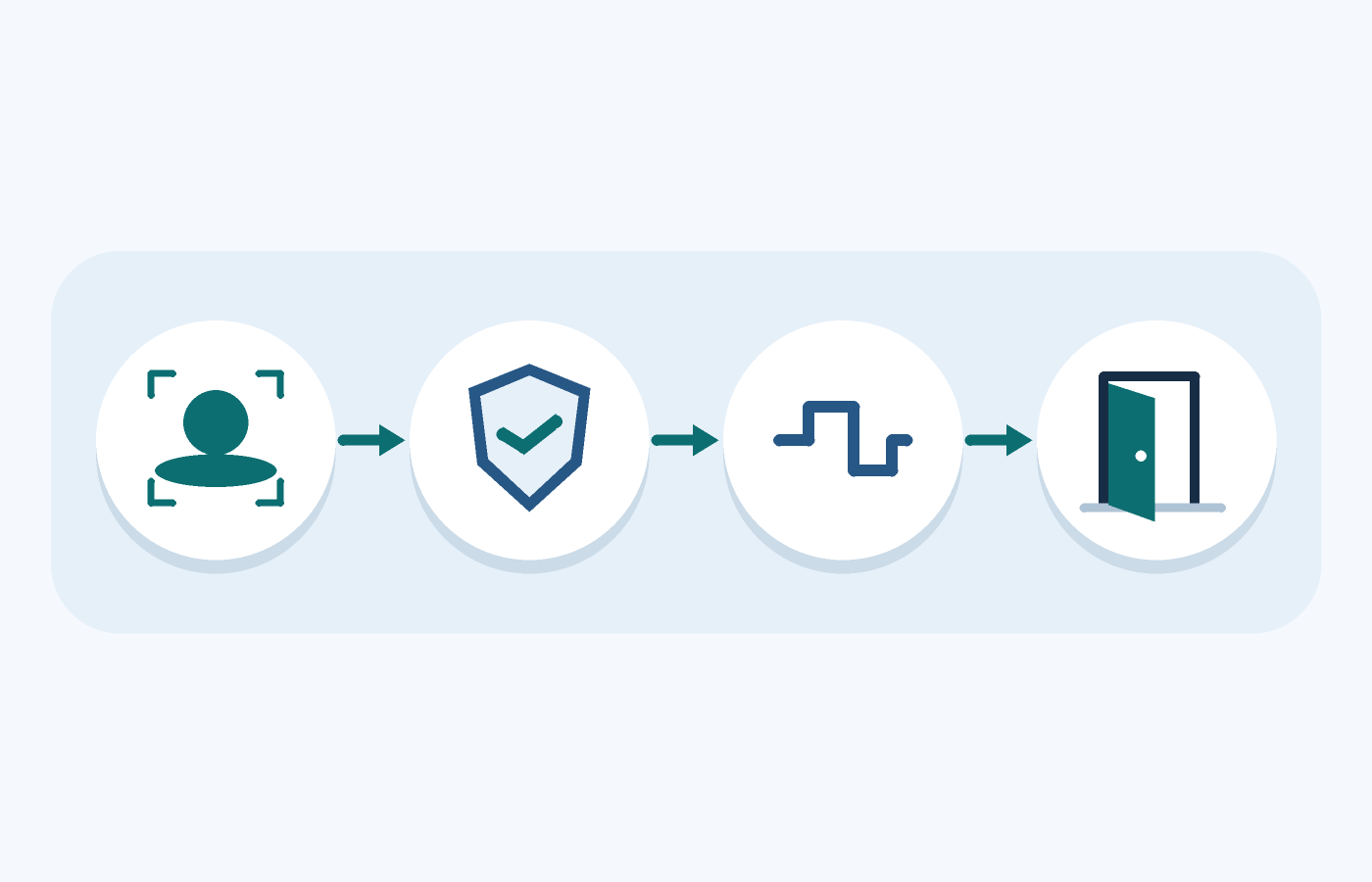
For example, a face can be recognised while access is refused because the person’s schedule has ended. A person can also be granted access while a door stays closed because the selected lock or its power supply needs attention. These outcomes call for different checks.
Which equipment should be on the quote?
| Equipment or function | Office door | Pedestrian gate |
|---|---|---|
| Face terminal | Wall or post mount | Gate bracket or separate post |
| Permission and control | Integrated or separate controller | Access control and compatible gate input |
| Physical release | Suitable lock or strike | Gate and its control board |
| Power and connections | Terminal, controller and lock | Terminal, controller and gate |
| Feedback and safe exit | Door position and approved exit hardware | Passage detection and an agreed exit route |
Treat the table as a list of functions to account for. Confirm which are already built in, which are included in the quote and which the installer or another supplier provides. Depending on the project, the list can also include enrollment software, network equipment, an enclosure, cable routes, mounting parts and a separate reader for backup credentials.
When can the terminal control a door directly?
A direct-control arrangement can work when the chosen terminal supports the required permission rules and has a documented control output suited to the door hardware. A relay output is a switching contact. Ask the supplier to confirm the permitted load and how the lock receives power. The terminal’s own power rating describes the terminal, so size the lock supply from the lock’s requirements and the approved design.
For an office door, send the supplier the door and frame type, existing latch and handle, and the way people leave from inside. An electric strike releases the latch at the frame. Other locks and exit hardware suit different door constructions and requirements. A door position sensor can show whether the door opened or stayed ajar. The installer should specify the hardware together with the approved exit arrangement.
When does a separate controller make sense?
A separate controller is common when several doors share permission rules or when the building already has an access system. In that arrangement, the terminal supplies an identity or an event that the controller can use. Confirm the exact terminal and controller versions, the interface they support, and the events that actually pass between them. A network connection establishes connectivity. The supplier still needs to show how the access decision and opening request are exchanged.
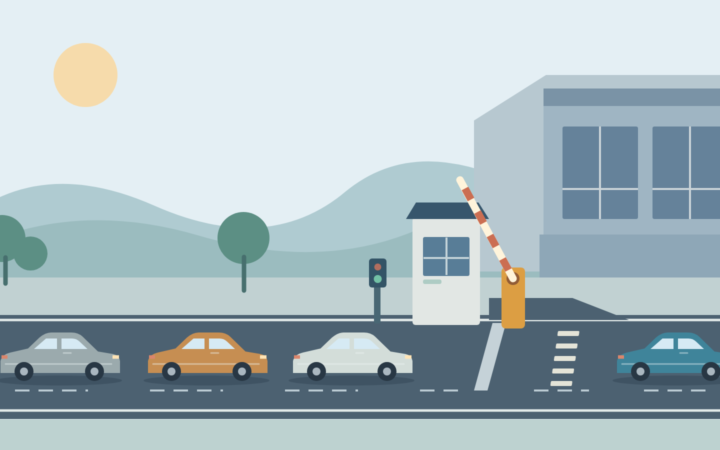
For a pedestrian lane, the gate normally handles its own movement, passage detection and protective functions. Ask which approved input accepts the access request, where the terminal mounts and what feedback is available after a person goes through. Choose the lane width and movement type around the people and items that must pass. See the tripod, flap and swing gate comparison.
What should you check before installation?
- Choose the position from the user’s route. Check approach direction, lighting, usable height and reach, weather exposure and waiting space. Try the location with representative users before fixing a bracket or drilling the post.
- Confirm the complete mounting assembly. Ask for a dimension drawing and confirm the bracket, fixing points and cable entry. For example, the W101P page shows B and J wall mounting references and a Z column mounting reference. Its 128.8 × 246 mm dimensions describe the faceplate. Request the drawing for the specific W101P mounting assembly.
- List the equipment that needs power and a connection. Include the terminal, controller, lock or gate and any network device the system relies on. Ask the installer for the approved power and cabling design, and agree which functions need to keep working if one supply or connection fails.
- Confirm credentials and software before enrollment. For a card fallback, ask which card technology, reader and software the order includes. Shunjie lists the card or ID module as an option for the HAS-35P-PA08-S0 terminal. Agree who can enroll or remove a user, where the face reference and access records are stored, and how the site handles retention and deletion.
How will people get in or leave when something fails?
Plan a backup for entry and a separate safe exit arrangement. If a face cannot be recognised, an enrolled card, another supported credential or assistance from authorised staff can provide a way in. Check that the backup works for people who need a non-biometric option. If the face terminal also reads the backup card, a fault in that terminal may stop both methods. Where independent backup is needed, specify a separate working route or reader and agree how staff will manage it.
For network loss, ask where the permissions are held and whether the selected equipment can use them while disconnected. Check what happens to updates made during the outage and which events are recorded. For a power cut, agree the behaviour of the exact lock or gate, what the backup supply must support, and what happens when power returns. Arrange for a qualified installer to check these conditions with the lane or door under control.
Normal entry fallback, normal exit and emergency evacuation are different parts of the site plan. Have the responsible building and fire safety team confirm the required exit route, approved hardware and behaviour during faults or alarms under applicable rules. Test that people can use the planned exit under the relevant conditions without depending on a successful face read.
For handover, try one permitted entry, one denied entry, the chosen backup credential, a loss of network, the agreed power-failure response and normal recovery. Observe the actual release and passage. Record which device made the decision, how staff assisted and what the system logged.
For a quote, send the entrance type, door or gate model, existing controller, number of access points, preferred credentials and backup requirements. Ask for a parts list that identifies the terminal, mounting, access control, release equipment, power and software supplied. Start with Shunjie’s face and identity terminals.
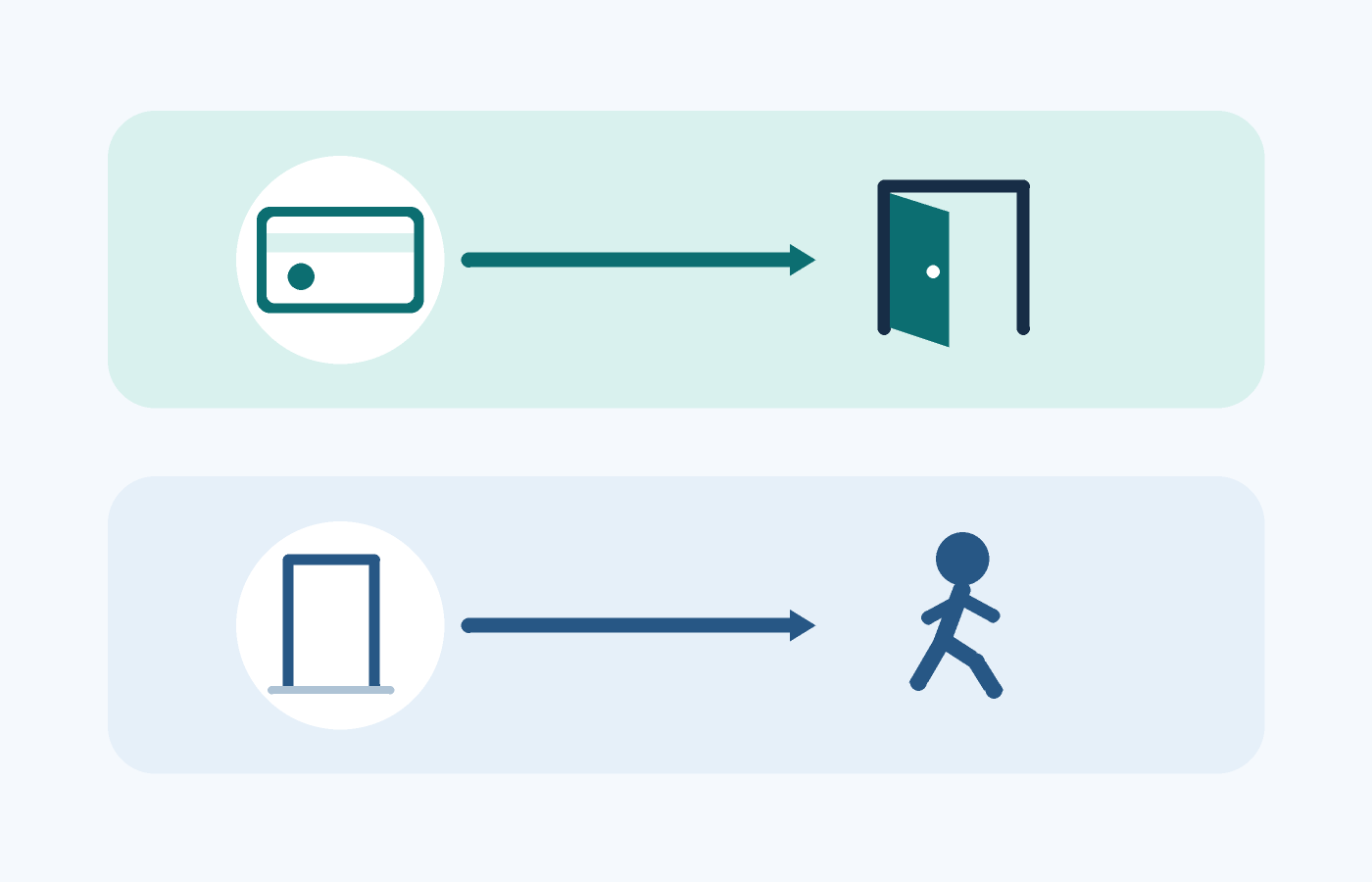
Featured image: An office door needs suitable release hardware. A pedestrian gate uses its own gate mechanism. Confirm the access control and mounting for each entrance.