
LPR (License Plate Recognition), also called ANPR (Automatic Number Plate Recognition), uses cameras and recognition software to read vehicle registration plates. In parking, the reading can identify a vehicle for an access check or a parking session; it does not by itself prove permission or payment.
Parking lots, residential communities, offices, industrial sites, hospitals and logistics facilities can use this approach. Its usefulness depends on the local plates, installation and operating rules rather than on the label “smart parking”.
1. How does an LPR system work?
A parking entrance usually combines several functions:
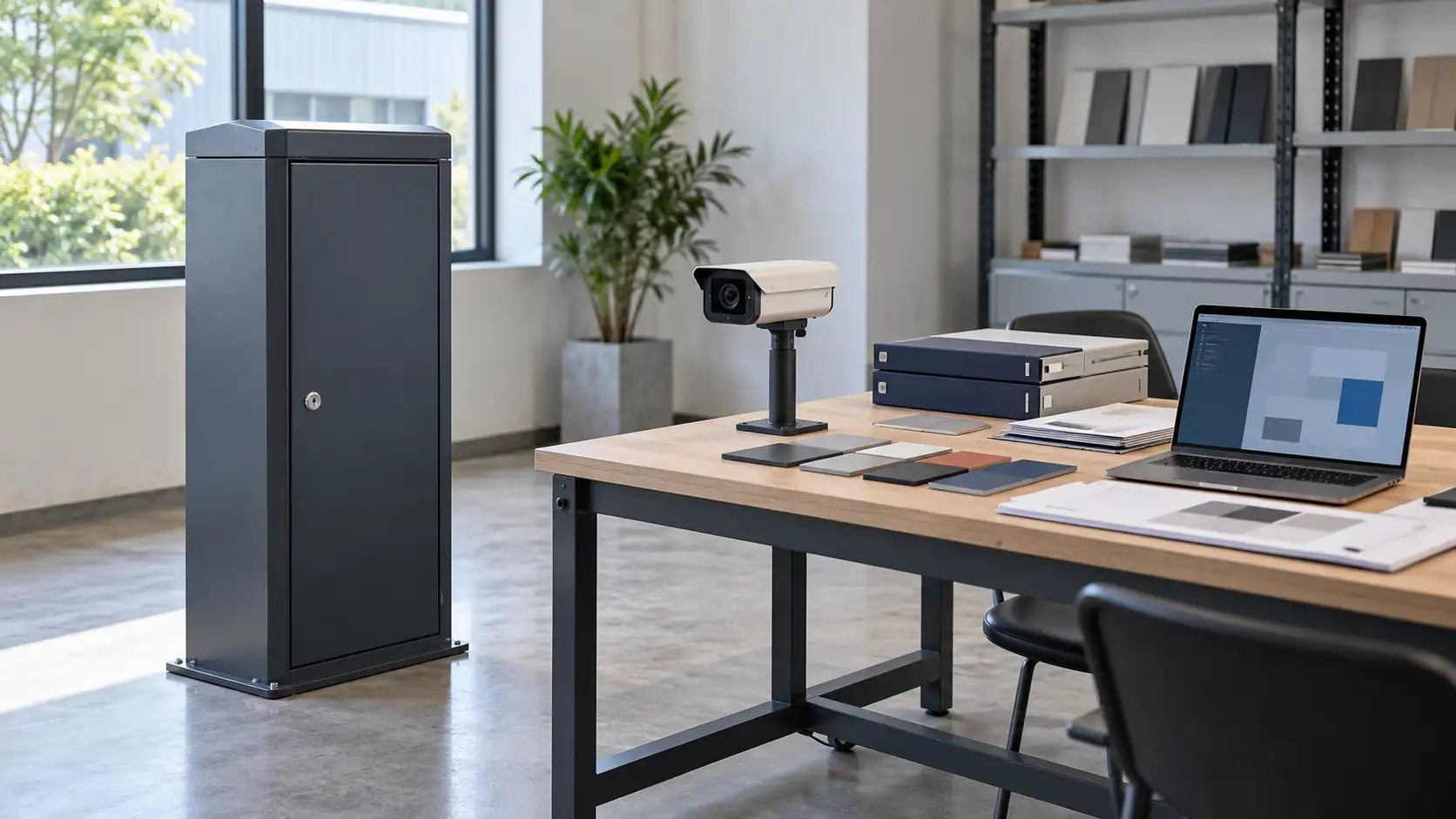
- LPR camera: captures a usable plate image at the entrance or exit.
- Recognition software: finds the plate and converts its characters into text. Additional attributes, such as plate colour or vehicle type, require explicit support and validation.
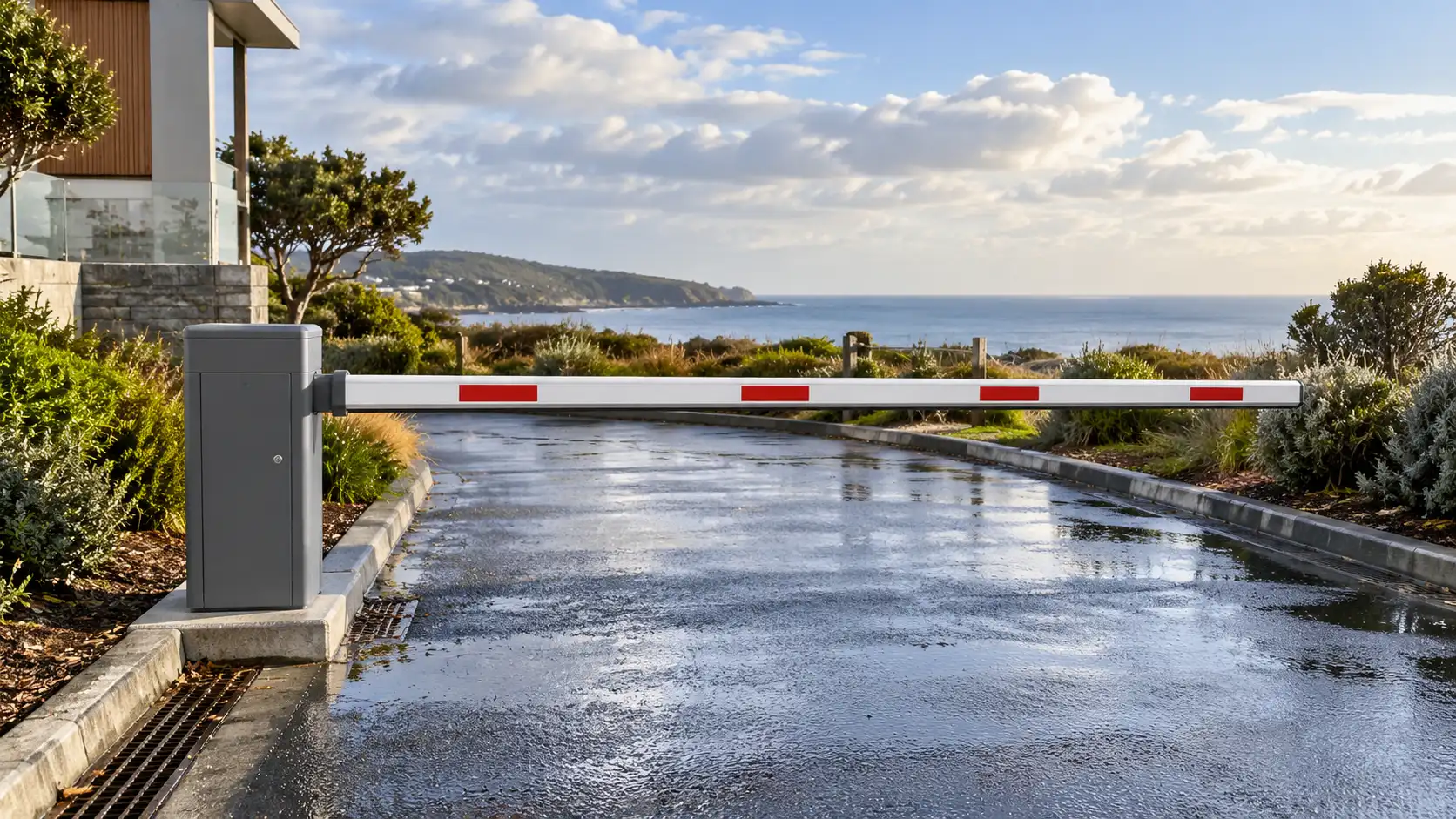
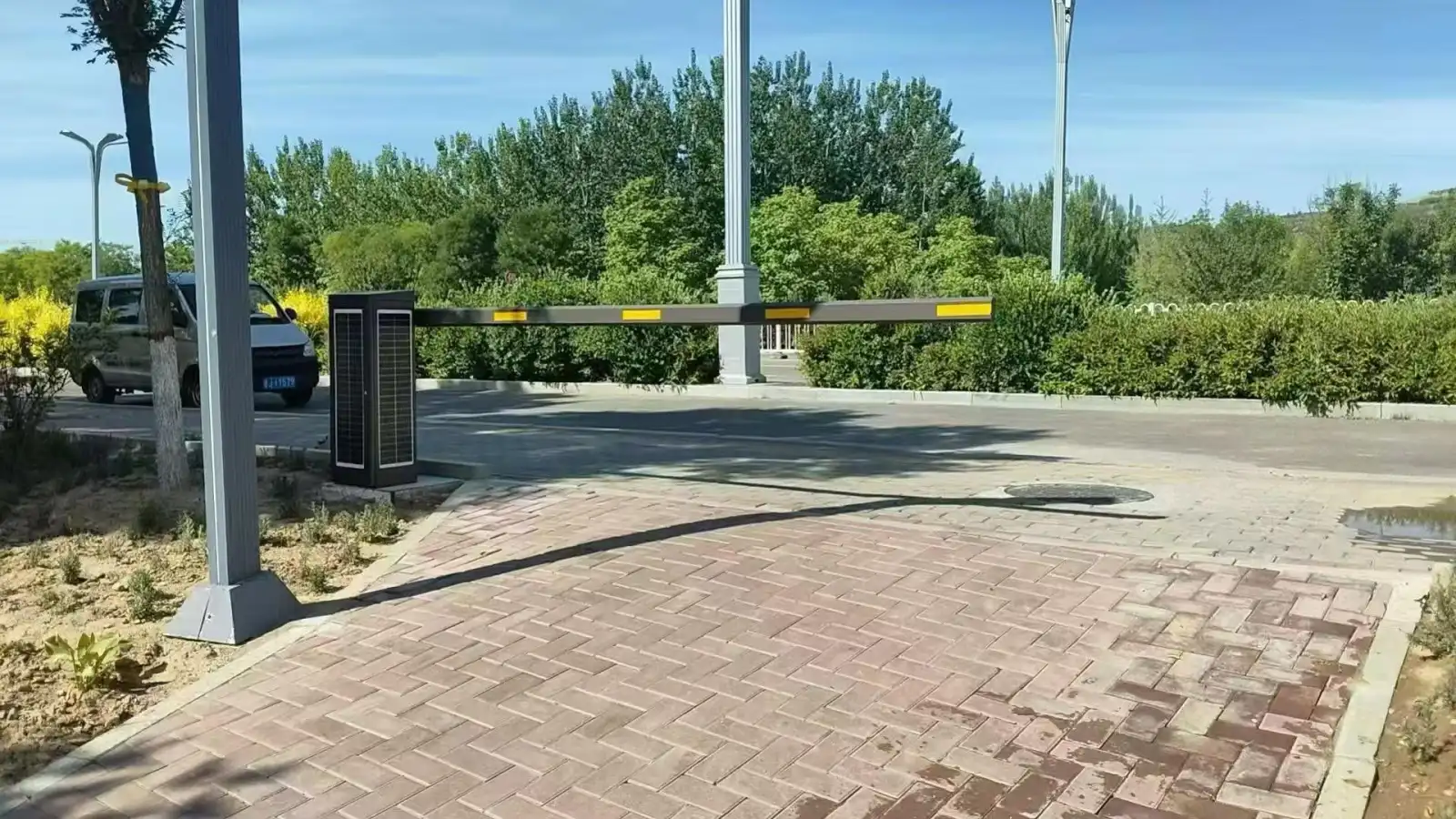
- Barrier and controller: act on an authorised opening request while managing the configured detection and protection inputs.
- Parking software: connects events to vehicle permissions, sessions, charging rules and reports where those functions are included.
- Supporting equipment: lighting helps image capture; loops or radar can detect vehicles. These roles are different, and vehicle detection alone does not establish pedestrian protection.
Basic working process
- The vehicle reaches the agreed reading position.
- The camera captures an image and the recognition application returns a plate result.
- The system checks the result against the relevant permission or session rules.
- The controller receives an opening request only when the operating conditions permit it.
- The event and any exception are recorded according to the configured workflow.
Measure the complete time from approach to permitted passage at the site. Recognition processing time, network response and boom movement are separate; a camera response figure is not a guarantee that the entire process takes less than one second. Drivers should follow the site’s stopping and speed instructions.
2. Key advantages to evaluate
Traffic flow
Automatic identification can reduce routine card handling and manual checks. Actual queues still depend on arrival demand, lane design, barrier speed and exception handling.
Staff workload
Automation can reduce repetitive work, but unreadable plates, visitors, disputes and equipment faults still need a defined support process.
Charging and records
When the selected software supports payment, correctly paired entry and exit records can support consistent fee calculations. Check tariffs, missing events, corrections and refunds rather than assuming every calculation is automatically correct.
Driver experience
Ticketless access can be convenient. Clear signs, understandable payment steps and an alternative route for failed reads are part of that experience.
Management information
Traffic, occupancy and revenue reports depend on the events and payment data actually collected. Agree the required fields, access rights and reporting scope.
3. Common application scenarios
- Commercial car parks and shopping malls.
- Residential communities and apartment buildings.
- Offices and business parks.
- Hospitals and schools.
- Factories and industrial sites.
- Logistics centres and warehouses.
A small private entrance and a multi-entrance facility may use similar recognition components but need different permission rules, networks, payment workflows and operating support.
4. What to consider when choosing a system
- Recognition conditions: test representative local plates in daylight, low light and the site’s difficult weather or glare conditions, at the intended vehicle speeds.
- Country and plate support: confirm the exact formats, characters, region setting and recognition version; a country name alone is insufficient.
- Integration: identify the required plate events, opening signals and payment functions. Confirm protocols, licences and software versions with both sides of the connection.
- Maintenance and updates: agree remote access permissions, diagnostics, firmware responsibility and a recovery process before enabling remote work.
- Supply and support: establish the supplied equipment, optional customisation, documentation, training and support responsibilities in the quotation.
Record failed reads as well as successful ones during acceptance. Do not compare headline accuracy percentages without a common sample and definition of success.
5. Planning a Shunjie configuration
Shunjie supplies parking and entrance-control equipment, including ANPR cameras, barriers and recognition or display terminals. Discuss the intended installation and the software connection separately from the hardware selection.
- Provide the destination country and representative plate examples.
- Specify the lane layout, reading position, required boom configuration and expected traffic.
- Identify existing controllers, software and payment services that must be retained.
- Agree any OEM or branding work, integration scope and technical documents before ordering.
Country coverage, recognition performance, third-party compatibility and project support must be confirmed for the selected configuration. This guide does not establish a universal accuracy rate, supported-country count or customer-country count.
6. Next step
A useful LPR entrance combines readable images, sound permission rules, appropriate controls and a workable exception process. Start with the site requirements, then verify the complete workflow with the equipment and software that will actually be supplied.
Send Shunjie the lane layout, plate market, existing equipment and required functions to discuss a configuration and quotation.