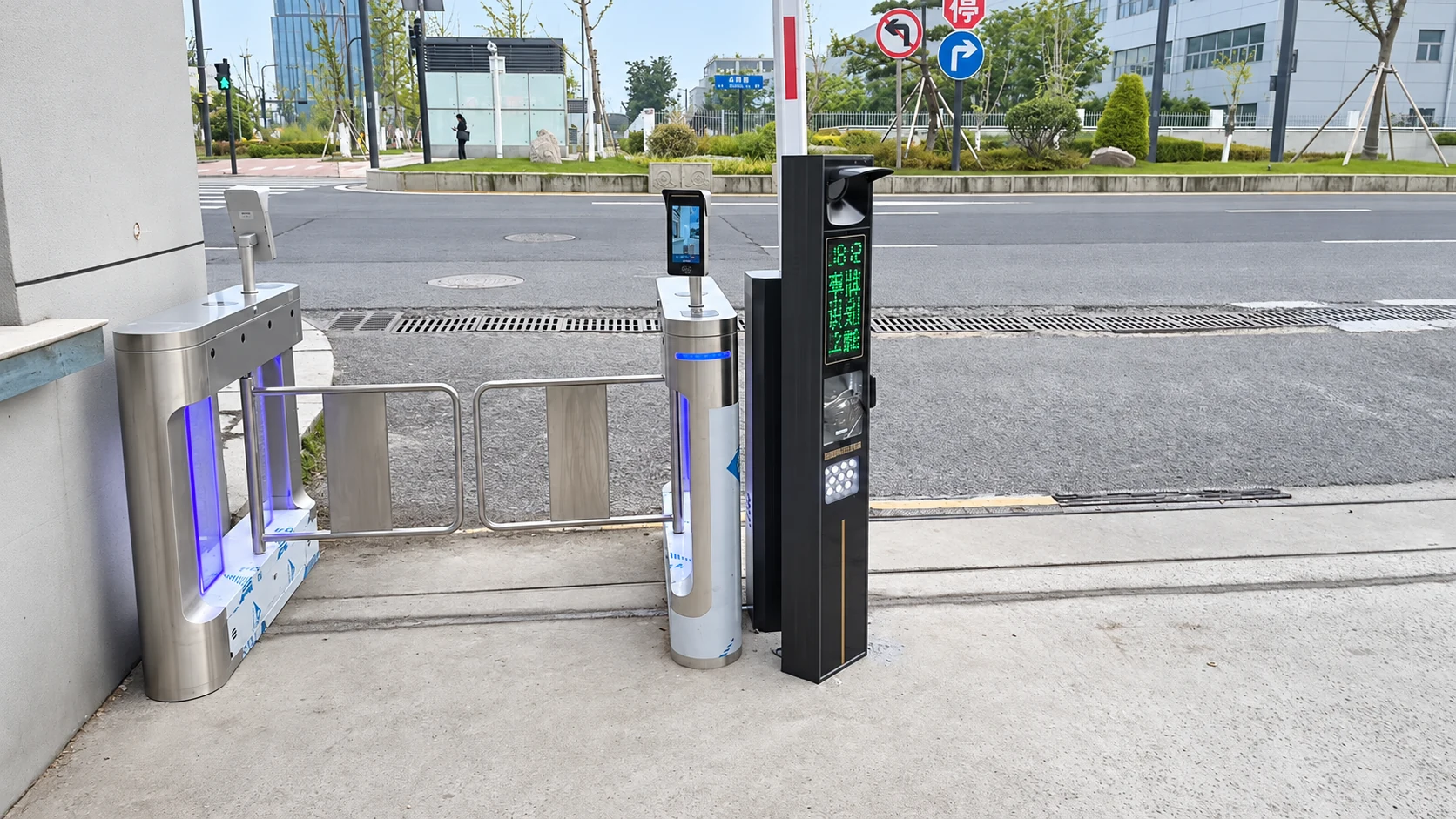
Shared entrance
Vehicle and pedestrian access
A dedicated pedestrian passage beside vehicle recognition equipment.

Applications & selection
Choose the equipment around the entrance: vehicle recognition and barriers, pedestrian gates and identity terminals. Start with the layout or the product you need.
Shunjie supplies vehicle and pedestrian products together or separately. We can review the connection to equipment you already use.
Vehicle & pedestrian access
See how vehicle and pedestrian equipment share the available space, and what to check for your own order.
Shared entrance
A dedicated pedestrian passage beside vehicle recognition equipment.
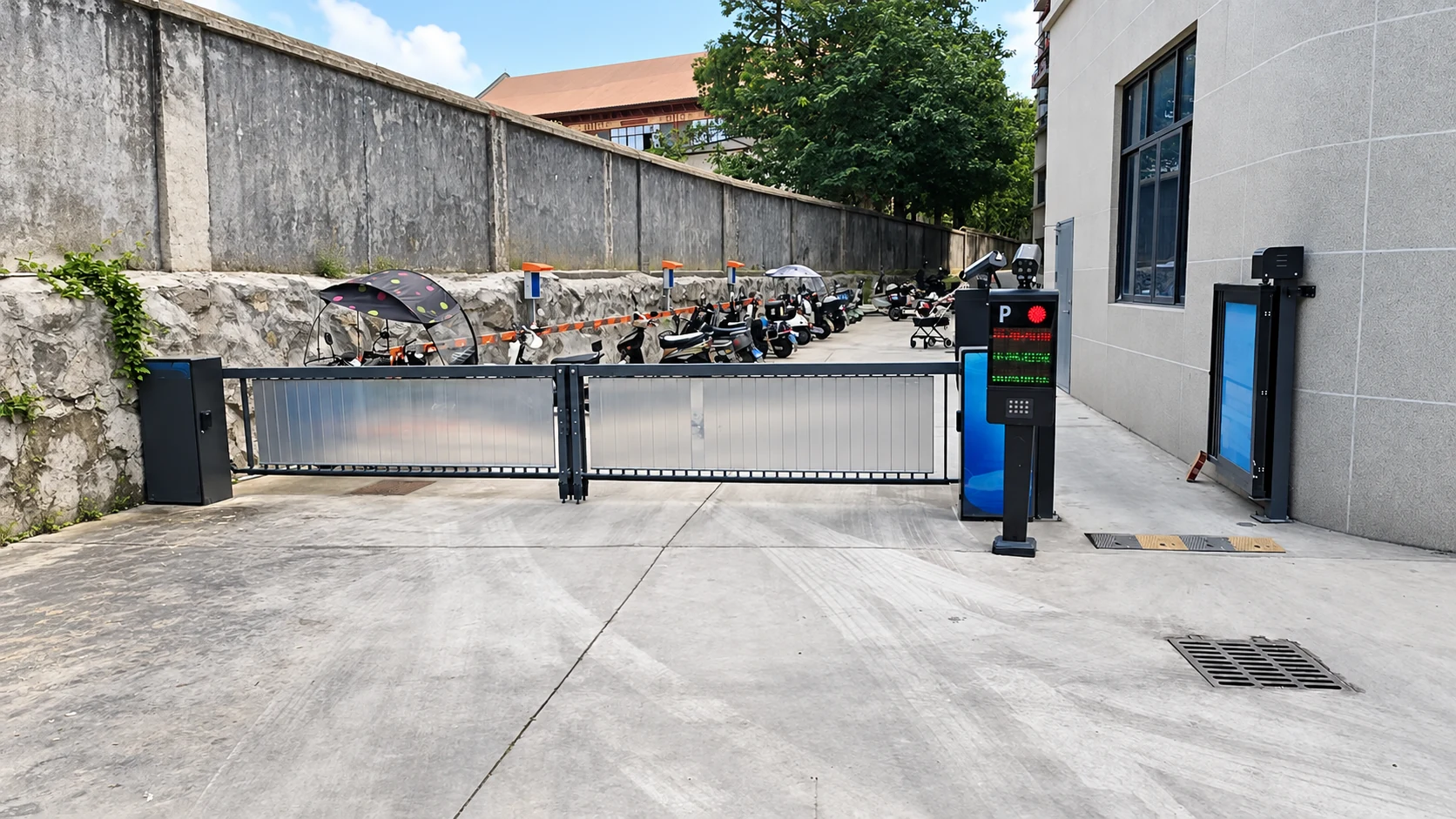
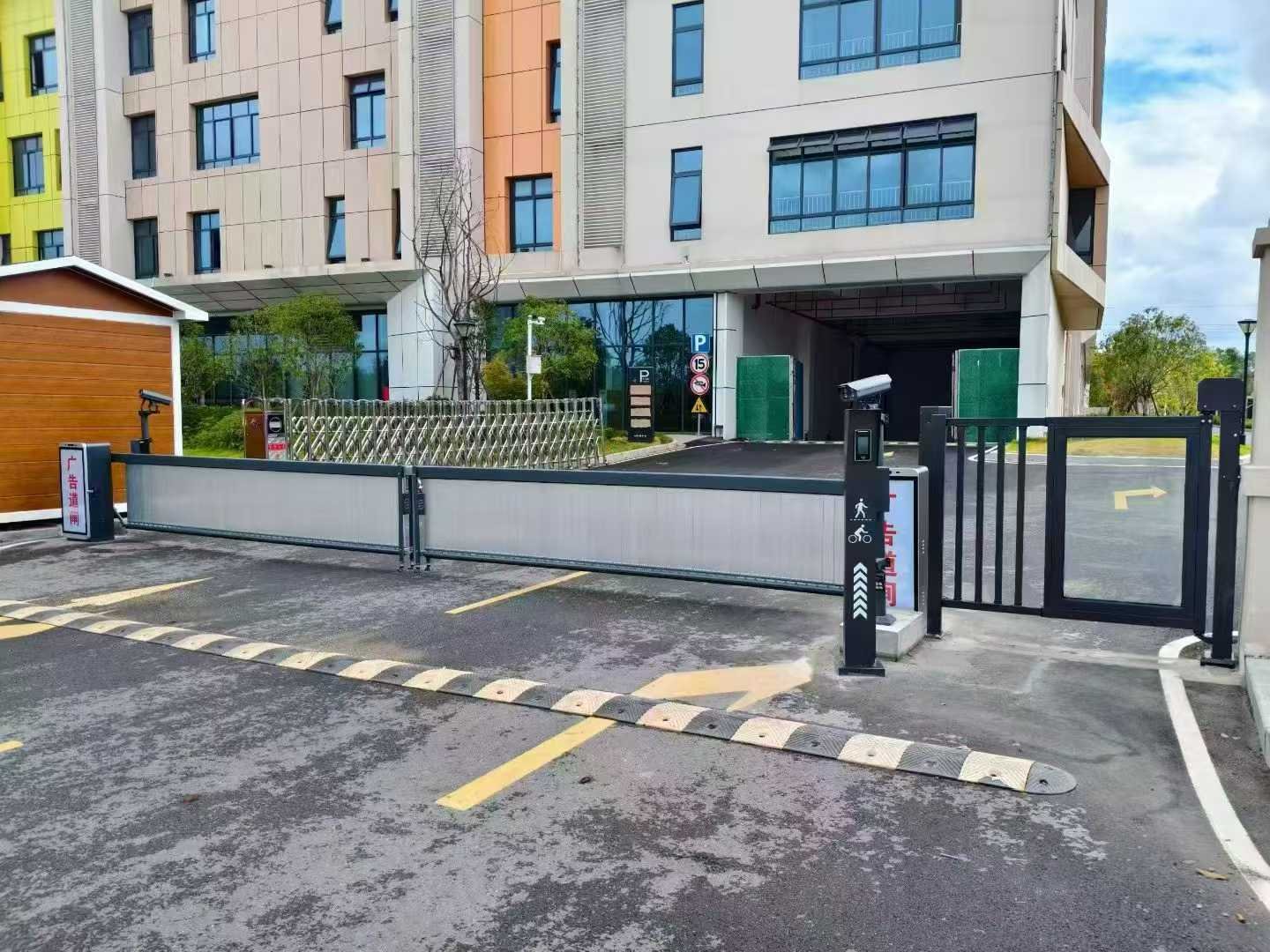
Building entrance
Keep the pedestrian entrance distinct from a panel-barrier lane.
01 / Reorders & replacements
For familiar products, a previous order reference or model is a useful starting point. Tell us what should stay the same and what needs to change.
Find your productUse the model, order reference or equipment label. If you need a part, include its marking or a photo when available.
Note any change to the boom, mounting, controller, recognition version or accessories. Similar-looking equipment can have different configurations.
Identify the required products and quantities. For a replacement, check fixing dimensions, electrical connections and version compatibility before ordering.
A model or order reference is enough to start. Quantity and destination can follow.
Discuss a repeat order02 / Recognition & equipment connections
A standalone camera, a recognition column and an integrated barrier serve different installation needs. The enclosure alone does not define the recognition, control or software supplied.
| Product form | A starting point when… | What to confirm |
|---|---|---|
| Standalone ANPR / LPR camera | You need a separate camera or want to retain other parking equipment. | Recognition market and version, lens and mounting position, required plate events or opening output. |
| LPR & display terminal | You need a column or terminal with a specified recognition and display arrangement. | Camera inclusion, display format, voice or lighting options, interface and installation dimensions. |
| Recognition-integrated barrier | You are considering a barrier that combines recognition equipment in its physical arrangement. | Included recognition hardware, boom configuration, detector requirements and control/software responsibilities. |
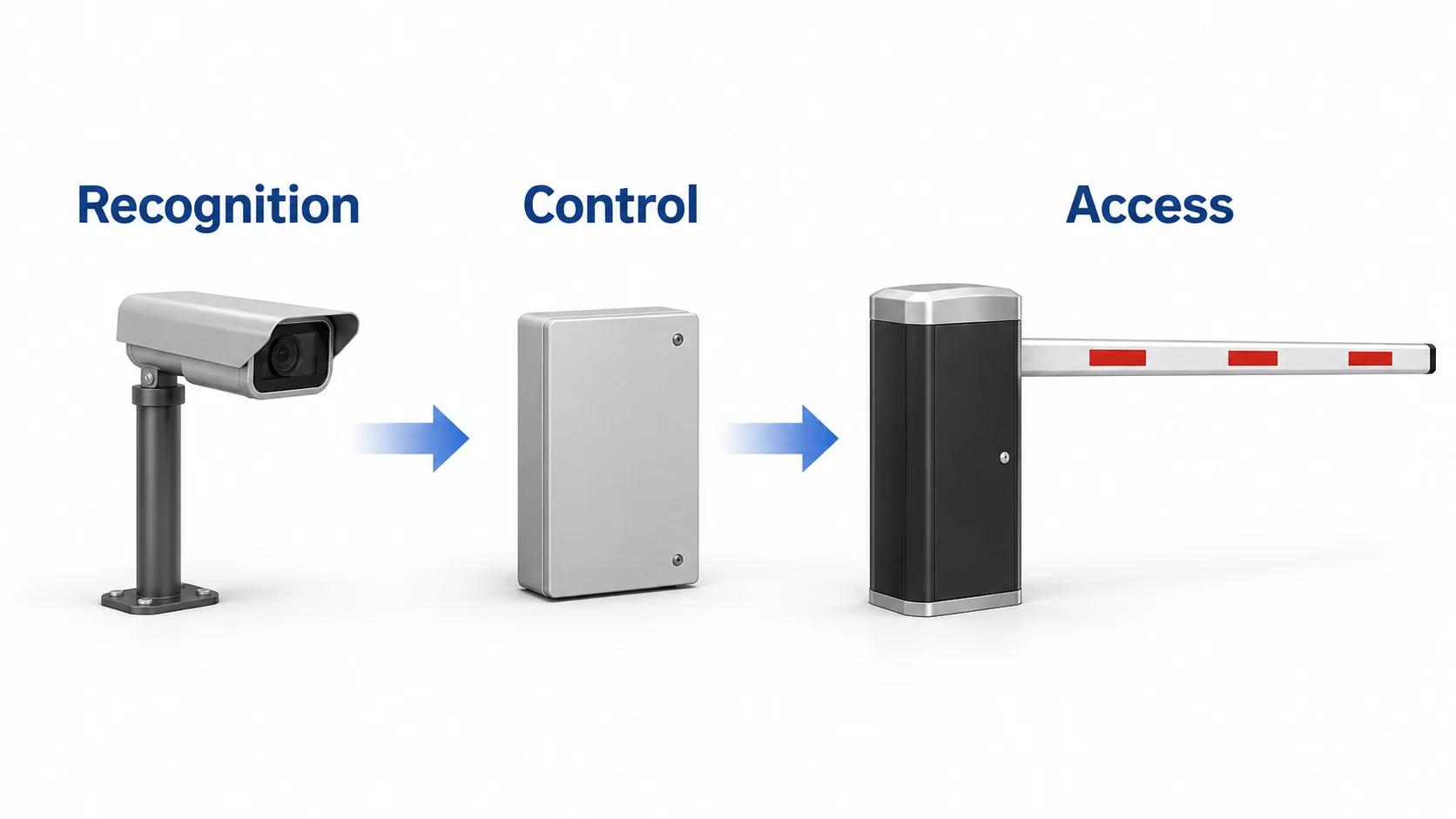
Our team can help map plate events, access permissions and opening signals to the equipment you already use.
Plan local or overseas cloud deployment for the project, with local payment integration and multilingual operation. We can support the development, commissioning and ongoing technical assistance your selected system needs.
03 / Pedestrian access
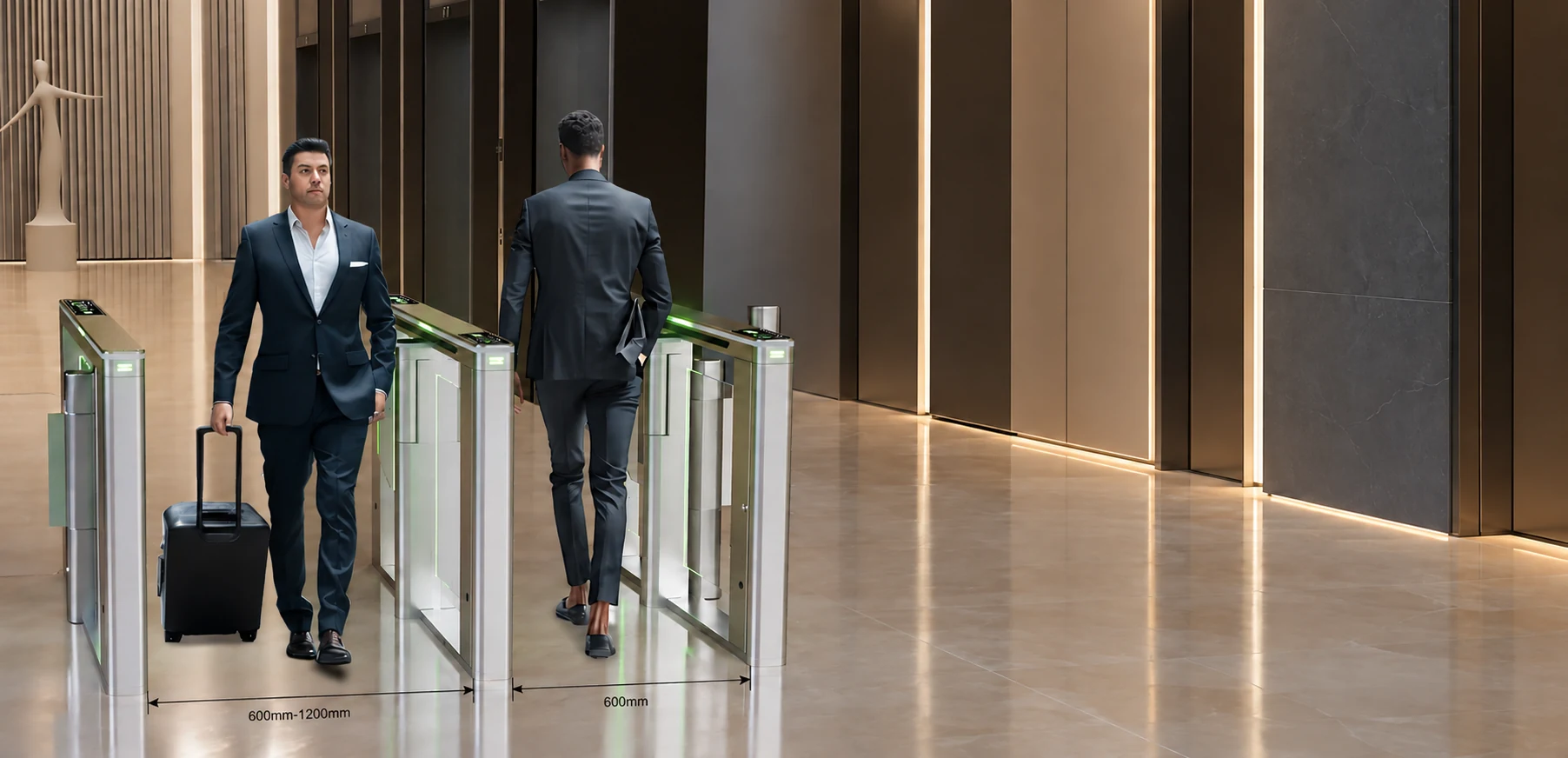
Start with how people need to pass through the entrance. Gate cabinets, passage widths and identity devices should be specified together, even when purchased separately.
Compare tripod, flap, swing and speed gates against the intended use, space and movement requirements.
Confirm clear passage width, cabinet arrangement and overall footprint. Include any requirement for luggage, wheeled access or an accessible route.
Identify the card reader, face terminal or existing access system. Check mounting, interface, access permissions and emergency release requirements.
A gate listing does not automatically include a reader or face terminal. Confirm the components and connections in the quotation.
04 / Advertising & lightbox barriers
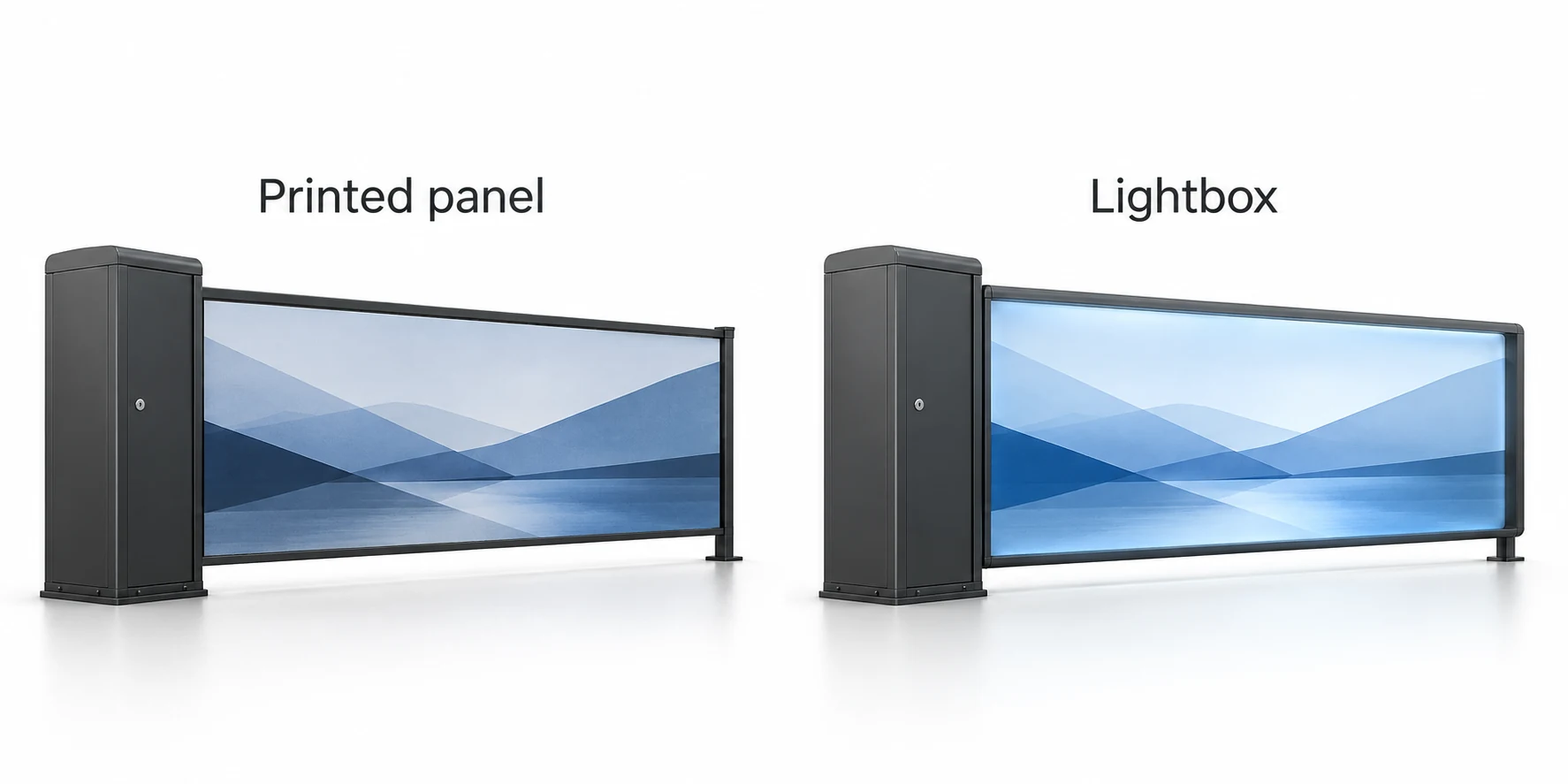
Compare the working boom, graphic area and lighting arrangement before choosing a format or preparing artwork.
Your next step
Tell us what you need to buy and what equipment you already have. A model, a short description or a previous order reference is a practical place to begin.